

























How-to
How to duplicate a wallet pass?
By AddToWallet TeamPublished Updated 1 min read
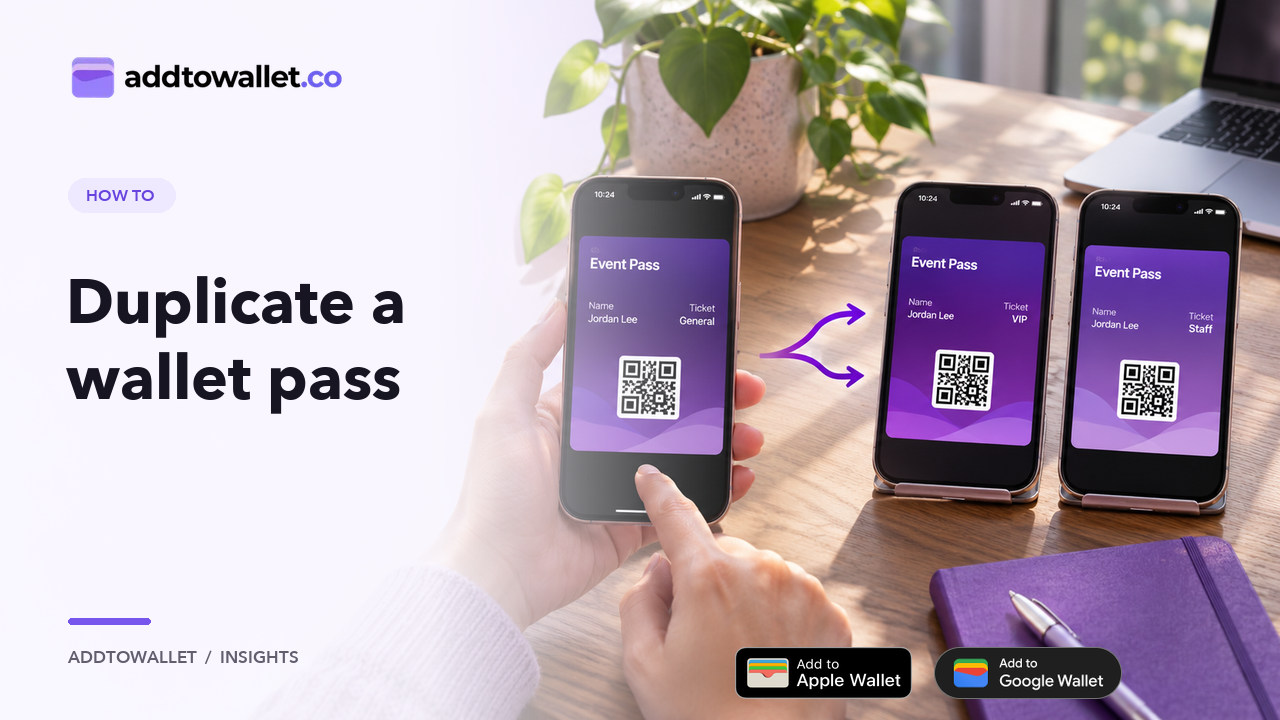
Go to Manage Pass and click the Duplicate button below the pass you want to copy. The duplicated pass appears on the homepage, and the form fields are already filled from the original pass. You can change that copy and try a new idea or another version. You do not have to start from the beginning each time, and you can share the finished copy the same way you share the pass you already made.
Instead of starting from the beginning each time, you can just click a button to copy a pass you already made. This means you can try out new ideas or make different versions of your passes without any hassle.
Duplicate a pass
- Go to "Manage Pass".
- Click the Duplicate button below the pass you want to duplicate
- Instantly see the duplicated pass on the homepage, with the form fields pre-filled based on the original pass