addtowallet.co
Create PassFeaturesPricingAPIBlog
Sign InGet Started Free
All guides▾
  • Guide10 reasons why incorporating Mobile Wallet Passes into your mobile strategy is essential
  • Guide5 Reasons why your store needs a wallet pass
  • GuideAdvantages of using Google and Apple wallet pass in businesses
  • GuideBest practices to design an amazing wallet pass
  • GuideBoost Engagement with Interactive Wallet Passes in Magazines
  • GuideConvert Pdf To Pass Using AddToWallet
  • GuideCreate Apple wallet pass for free
  • GuideCreate Apple Wallet passes for Your Business
  • GuideCreate Google wallet pass for free
  • GuideCreating Apple and Google Wallet Passes
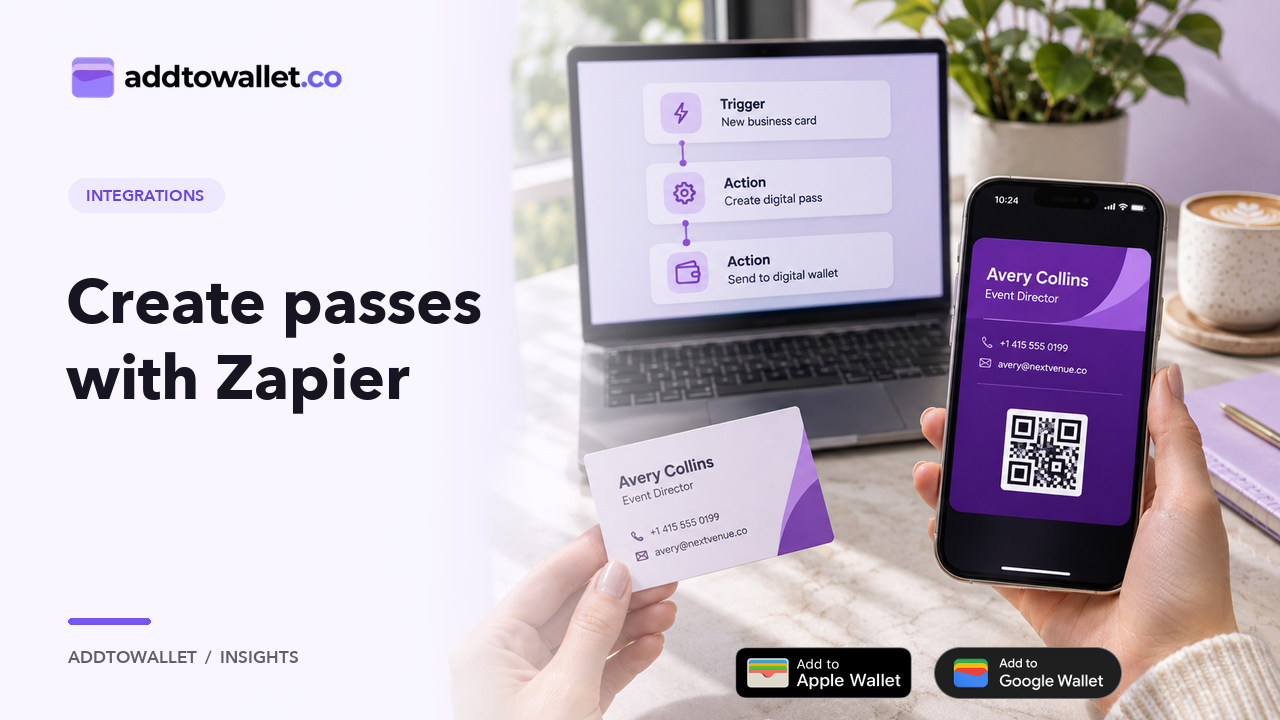
  • GuideCreate Wallet Passes with the AddToWallet Zapier Integration
  • GuideDifferences between Apple and Google wallet
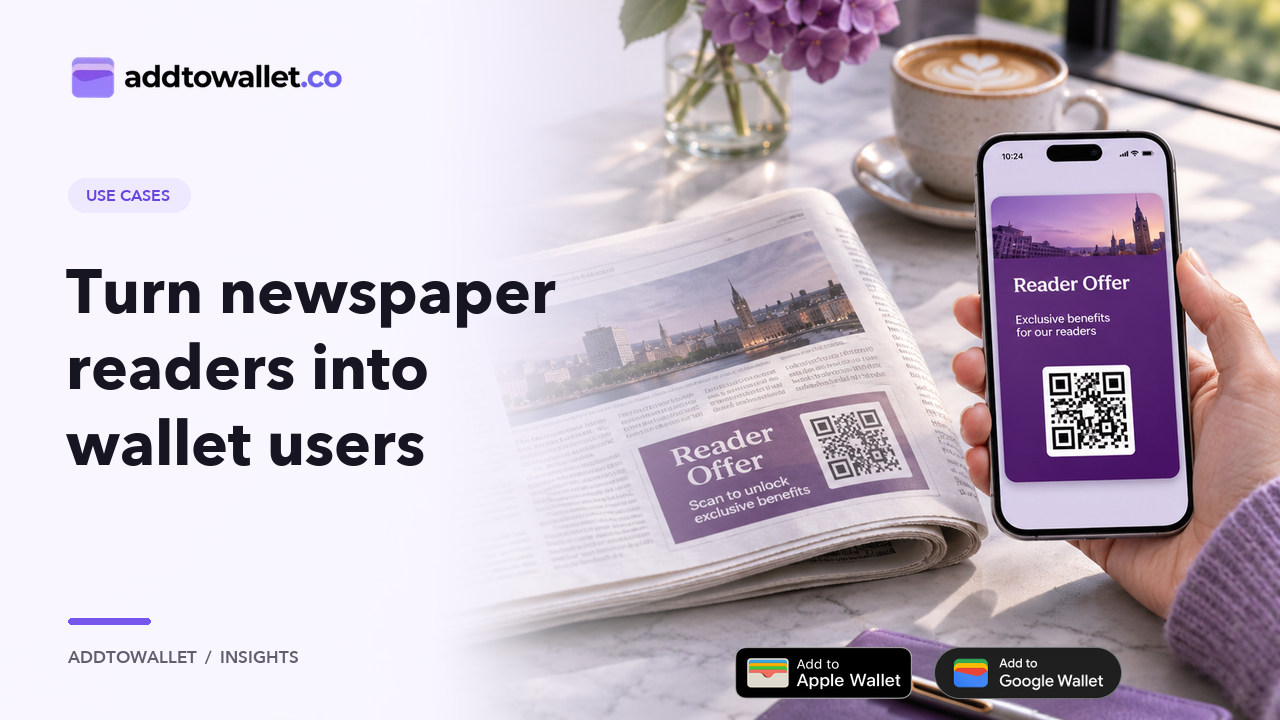
  • GuideEnhance audience interaction with wallet passes in Newspapers
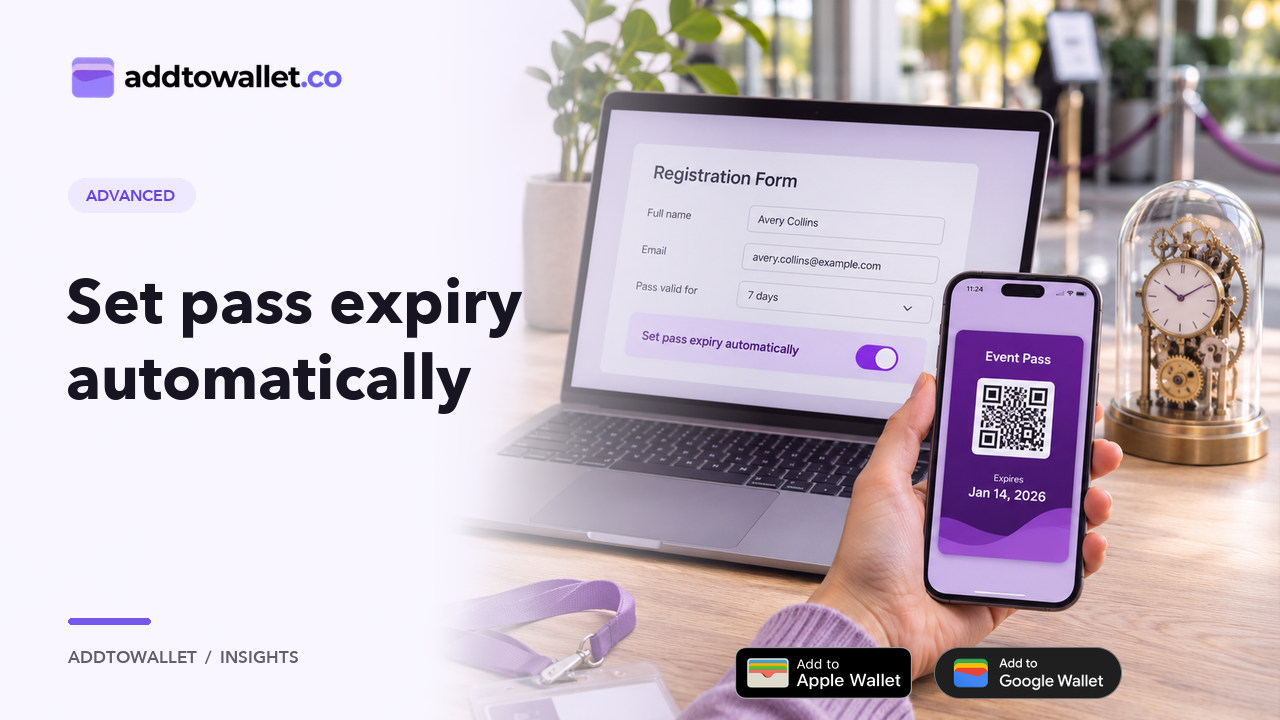
  • GuideHidden Form Fields: Dynamic Expiry for Wallet Passes
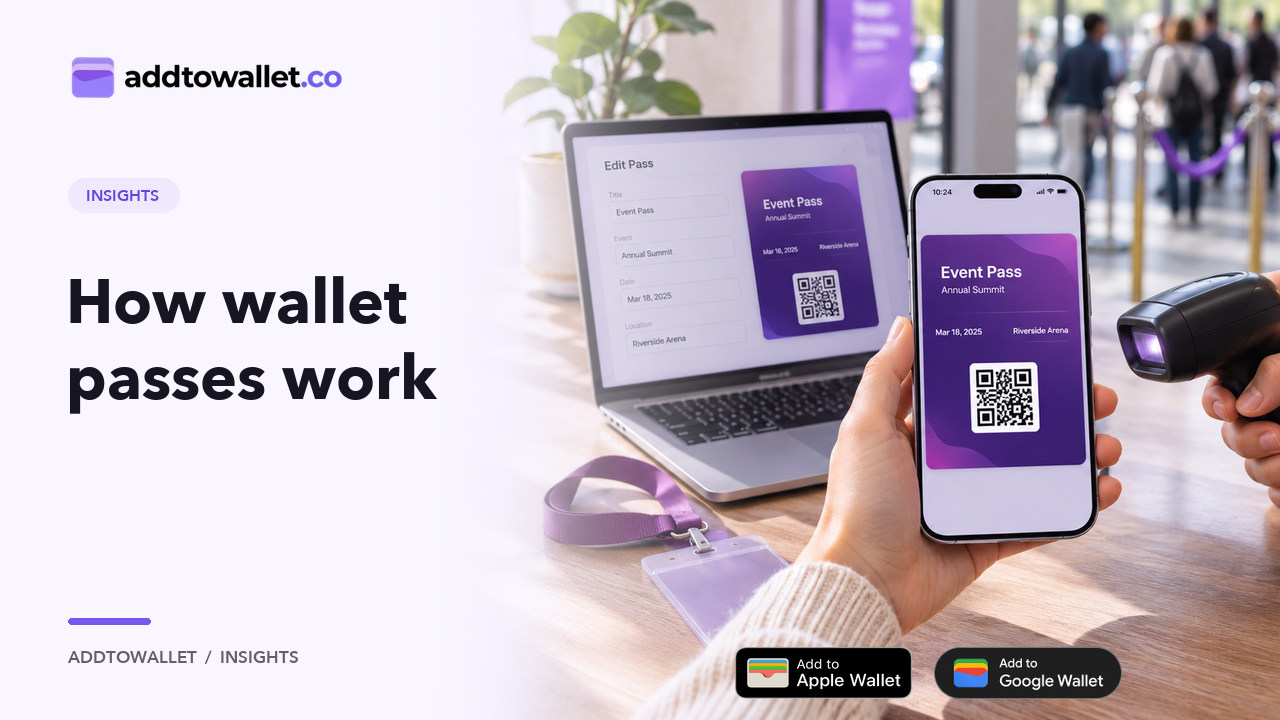
  • GuideHow Google and Apple Wallet Pass Works
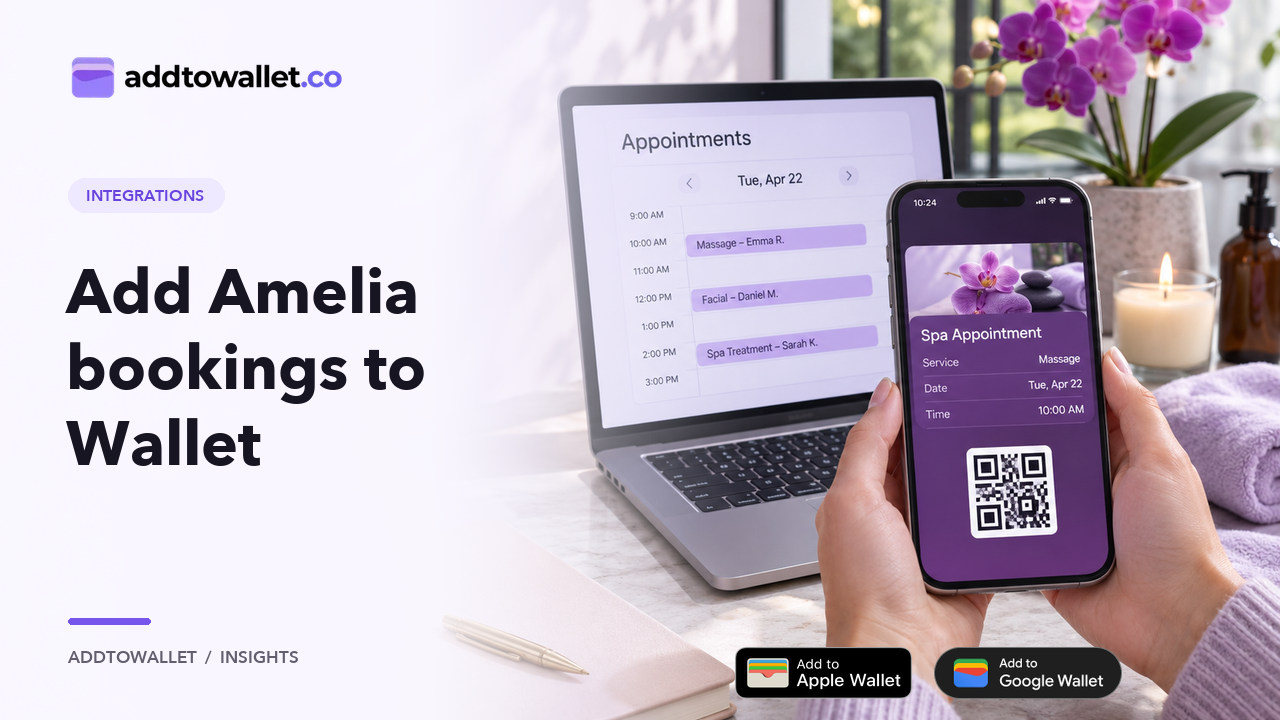
  • How-toHow to Add Amelia Booking Passes to Apple Wallet & Google Wallet
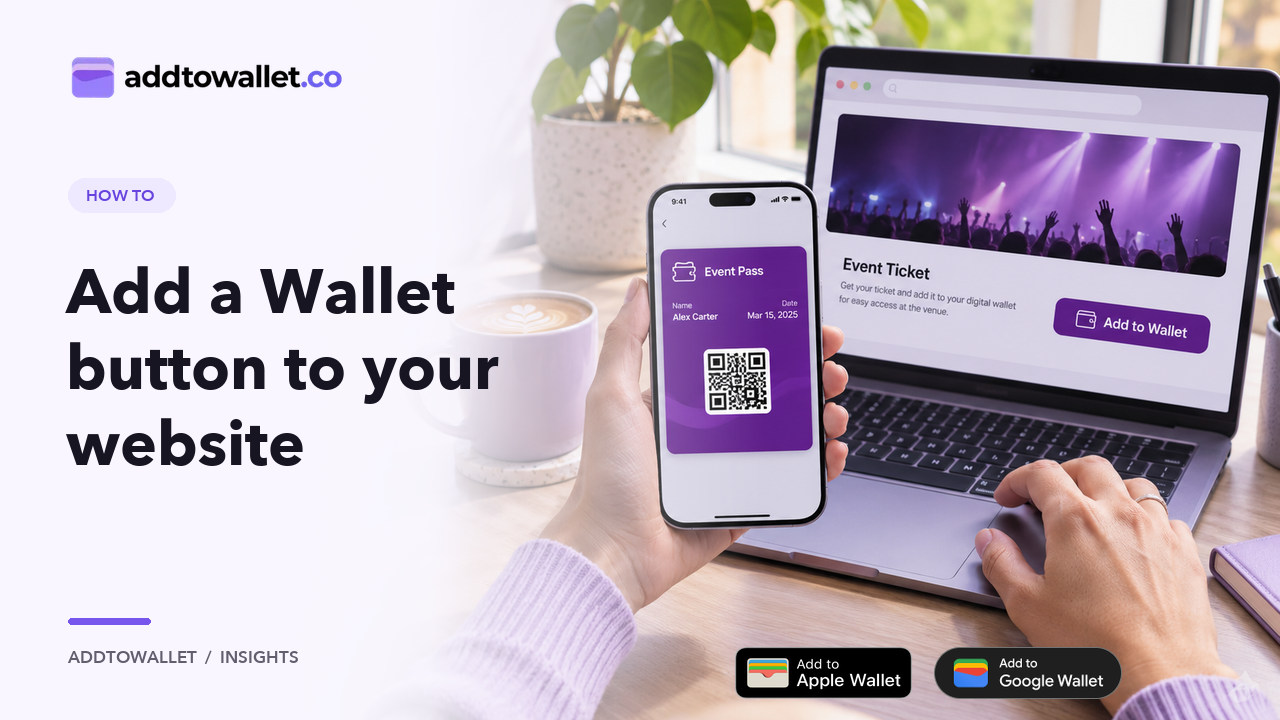
  • How-toHow to Add an Add to Wallet Button to Your Website
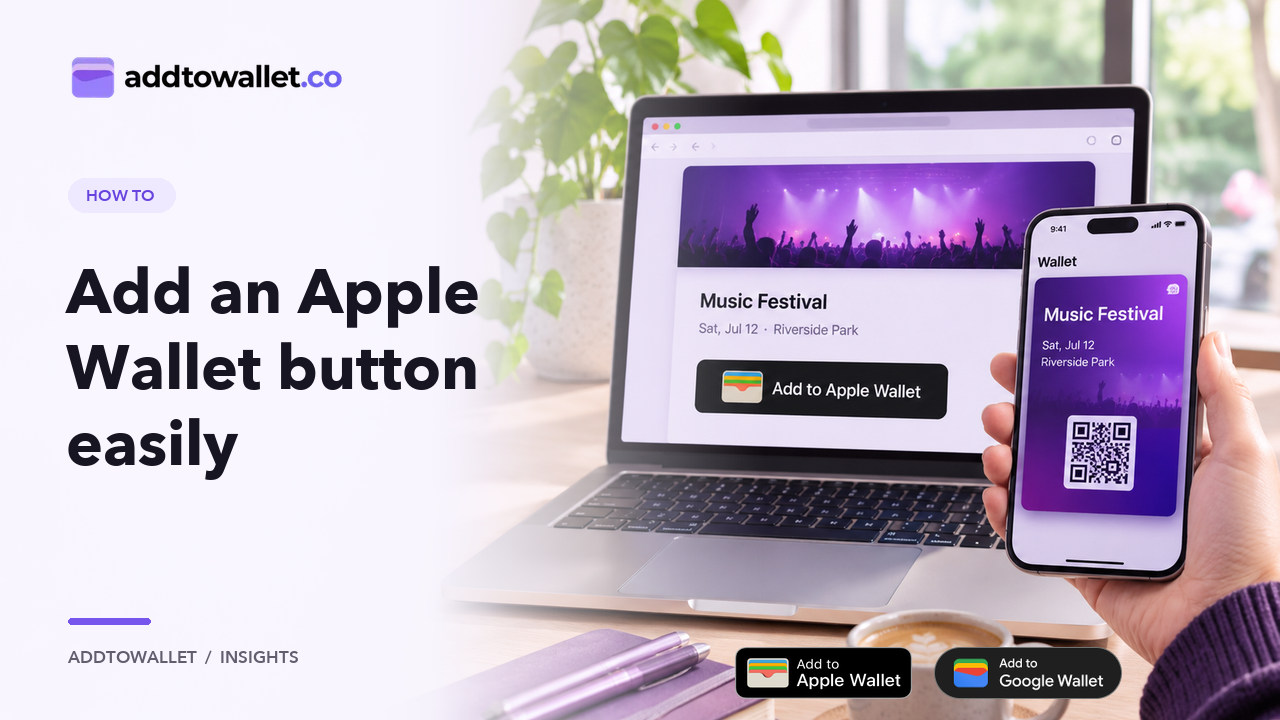
  • How-toHow to Add an Apple Wallet Button Easily
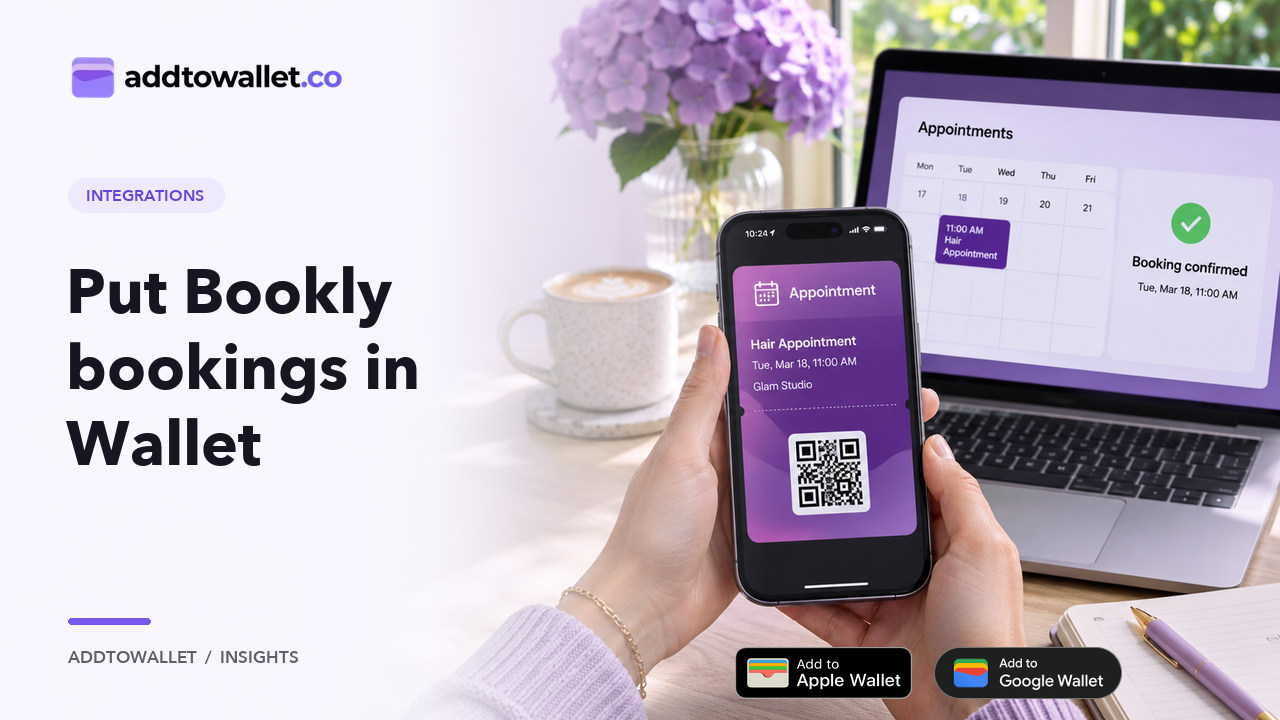
  • How-toHow to Add Bookly Booking Passes to Apple Wallet & Google Wallet
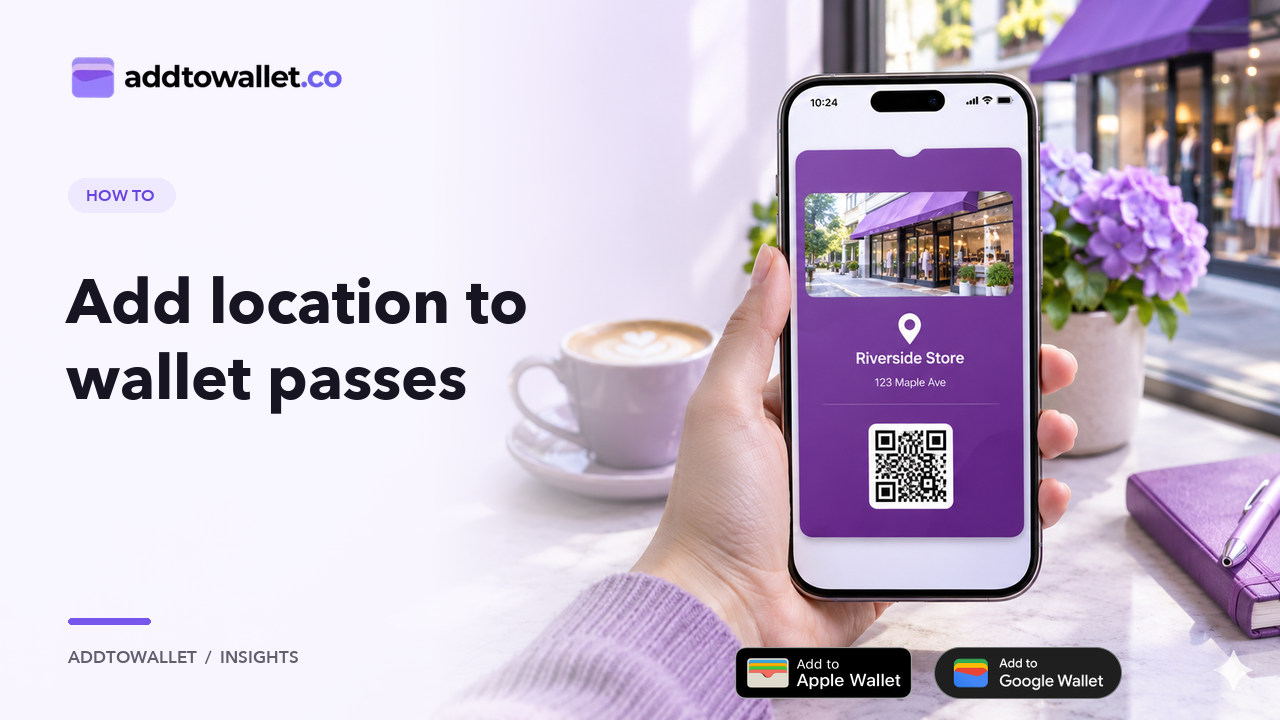
  • How-toHow to Add Location to Wallet Passes
  • How-toHow to Add Team Members to Your Account
  • How-toHow to Add Simply Schedule Appointments Bookings to Apple Wallet & Google Wallet
  • How-toHow to Add The Events Calendar Tickets to Apple Wallet & Google Wallet
  • How-toHow to Add LatePoint Appointments to Apple Wallet & Google Wallet
  • How-toHow to Add Sugar Calendar Tickets to Apple Wallet & Google Wallet
  • How-toHow to configure notifications for Apple & Google wallet passes
  • How-toHow to create a business pass for Apple and Google wallet
  • How-toHow to Create a wallet pass?
  • How-toHow to create a wallet pass using Zapier Integration?
  • How-toHow to create digital Concert Tickets with AddToWallet.co
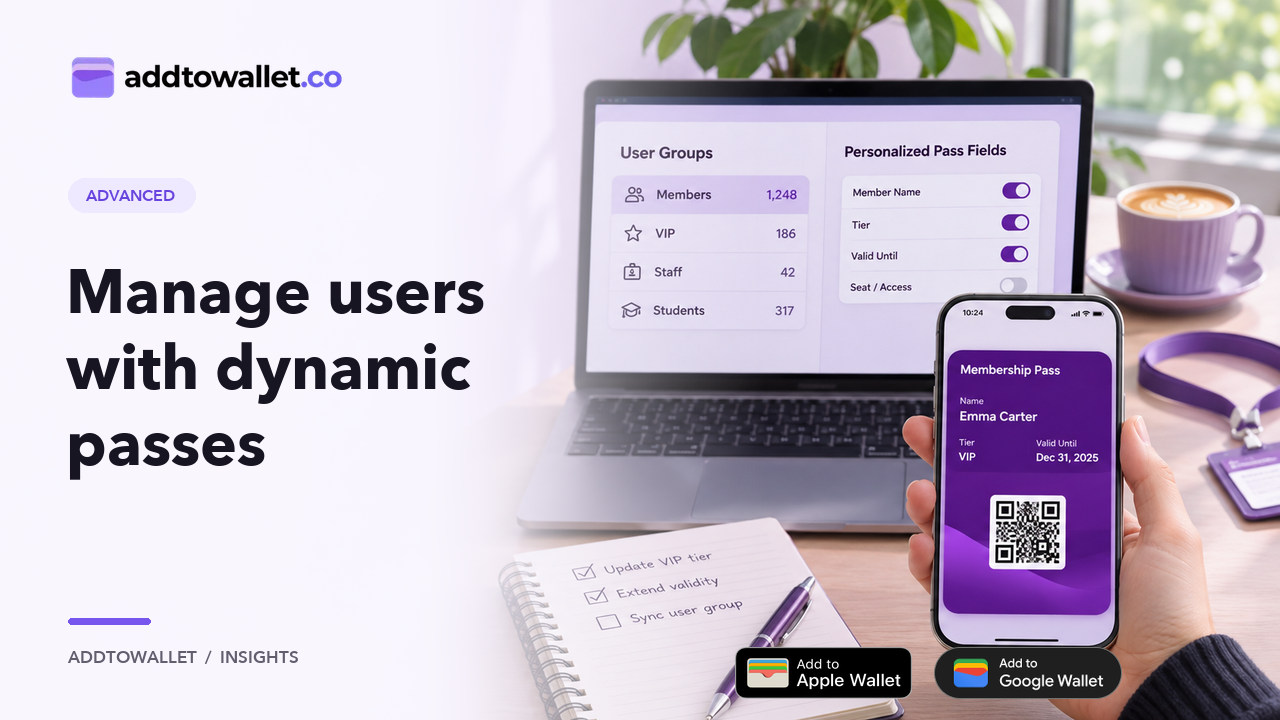
  • How-toHow to create dynamic passes and manage users in AddToWallet
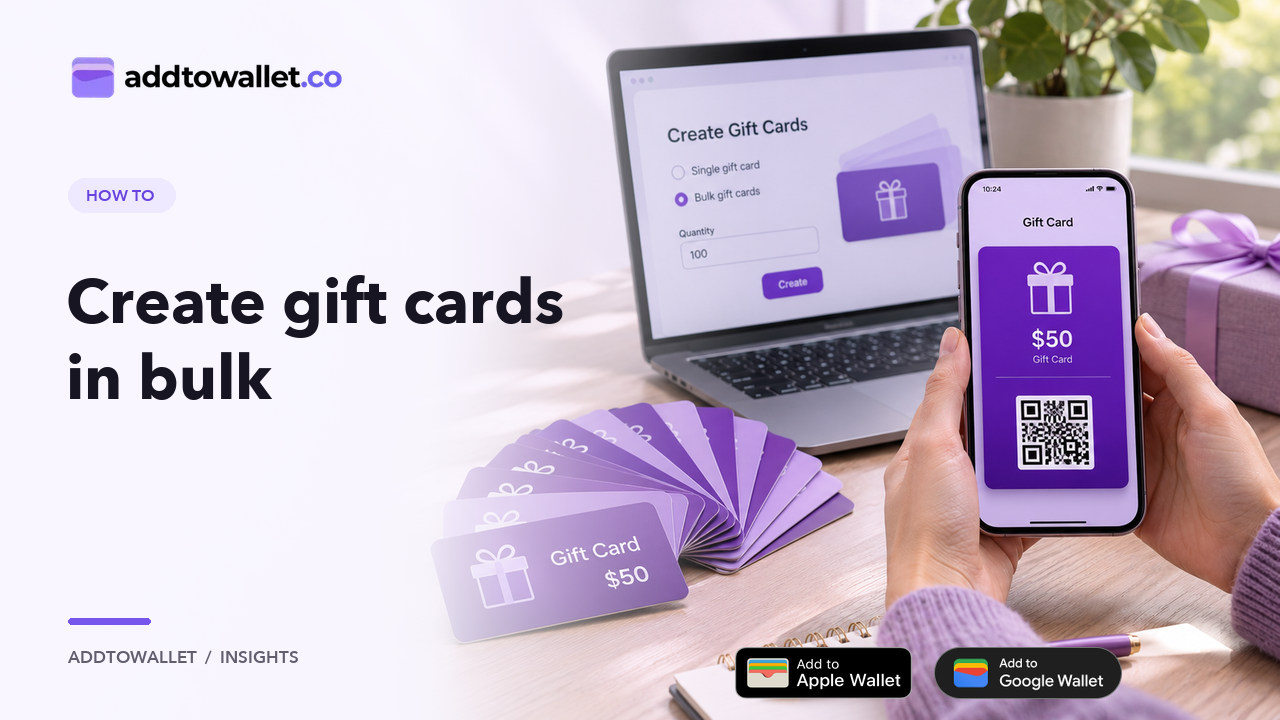
  • How-toHow To Create Gift Cards in Bulk
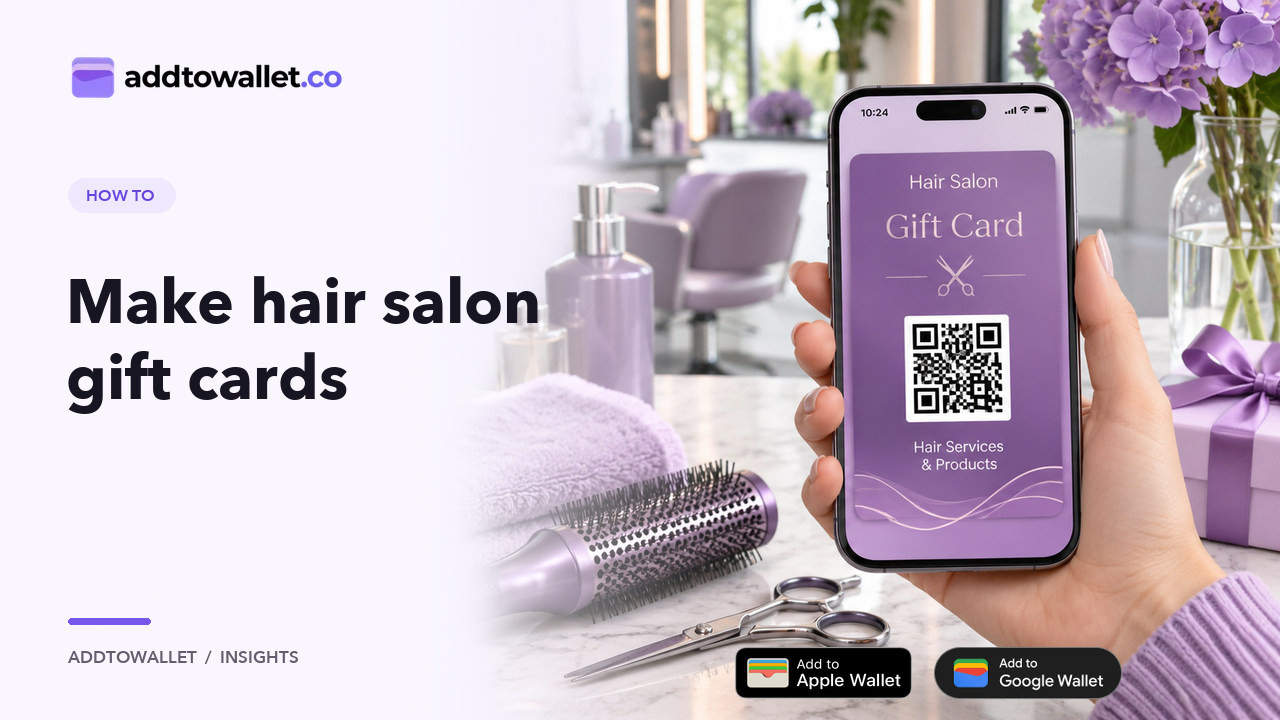
  • How-toHow to Create Hair Salon Gift Cards in Minutes
  • How-toCreate Loyalty Wallet Pass Using AddToWallet
  • How-toHow to Create Mobile Wallet Passes Using Google Sheets
  • How-toHow to Create & Scan Dynamic Wallet Passes Using AddToWallet
  • How-toHow To Distribute Google or Apple Wallet Pass
  • How-toHow to duplicate a wallet pass?
  • How-toHow to embed Google Wallet or Apple Wallet button on Shopify
  • How-toHow to embed Google wallet or Apple wallet button on Squarespace
  • How-toHow to embed Google Wallet or Apple Wallet button on Weebly
  • How-toHow to embed Google Wallet or Apple wallet button on Wix
  • How-toHow to embed Google Wallet or Apple Wallet button on WordPress
  • How-toHow to Generate JSON for Apple & Google Wallet Passes
  • How-toHow to generate leads using Google wallet or Apple wallet Pass wallet pass?
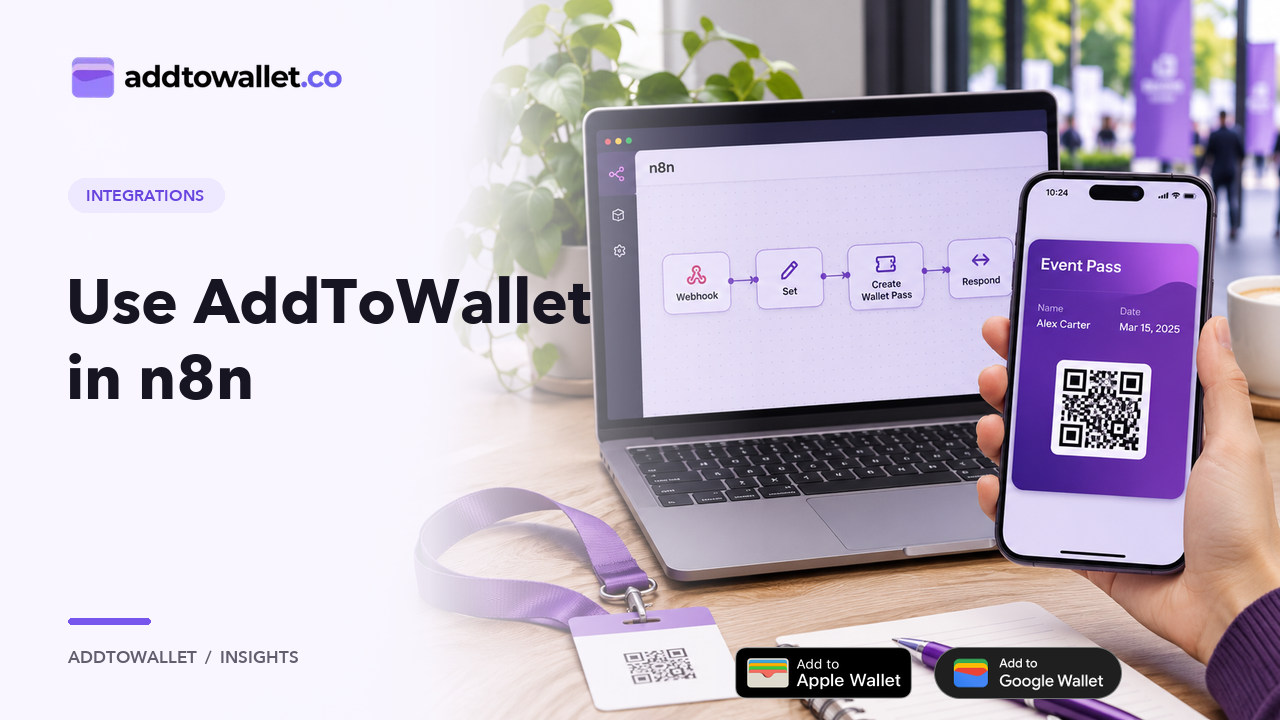
  • How-toHow to Use AddToWallet Node on N8N
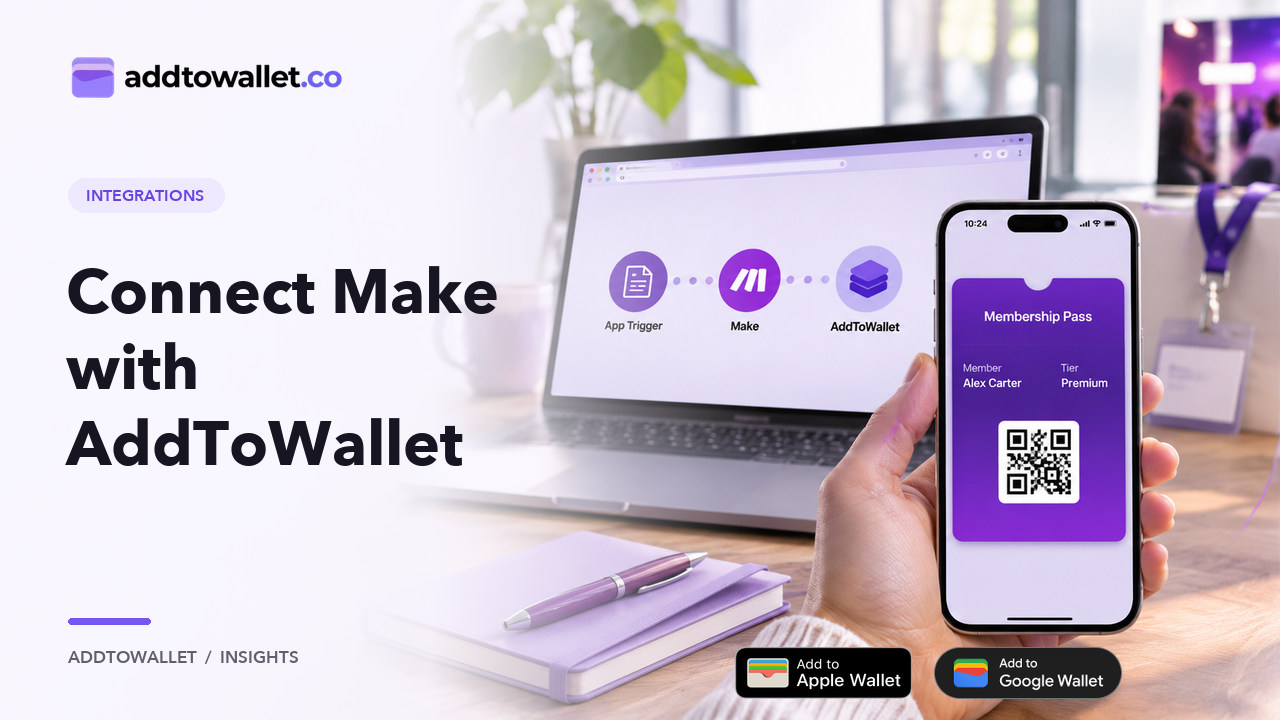
  • How-toHow to integrate make.com with AddToWallet.co?
  • How-toHow to Secure Wallet Passes with Access Code Protection
  • How-toHow to Send Notifications Using Wallet Pass
  • How-toHow to Set Up Custom Domains with AddToWallet
  • How-toHow to Share Wallet Passes Using Flyers
  • How-toHow to test Apple Wallet beacons
  • How-toAddToWallet Order Pass App on Shopify
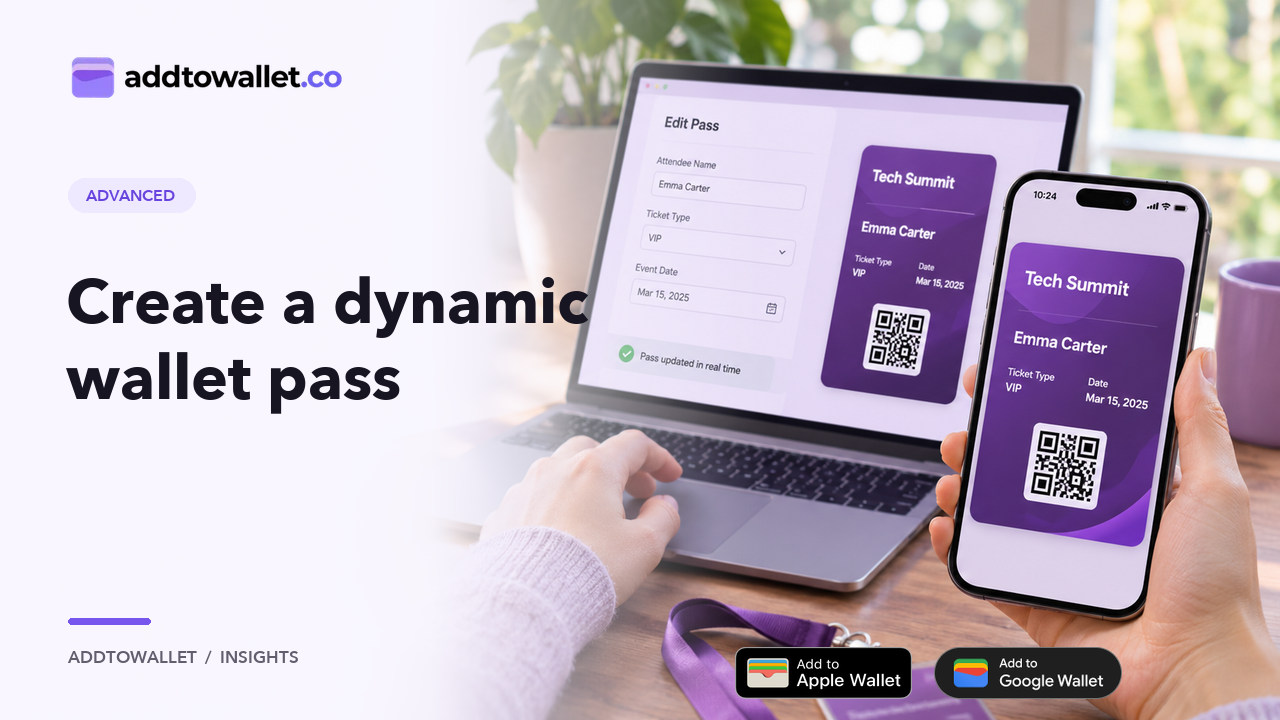
  • How-toHow to create dynamic wallet pass
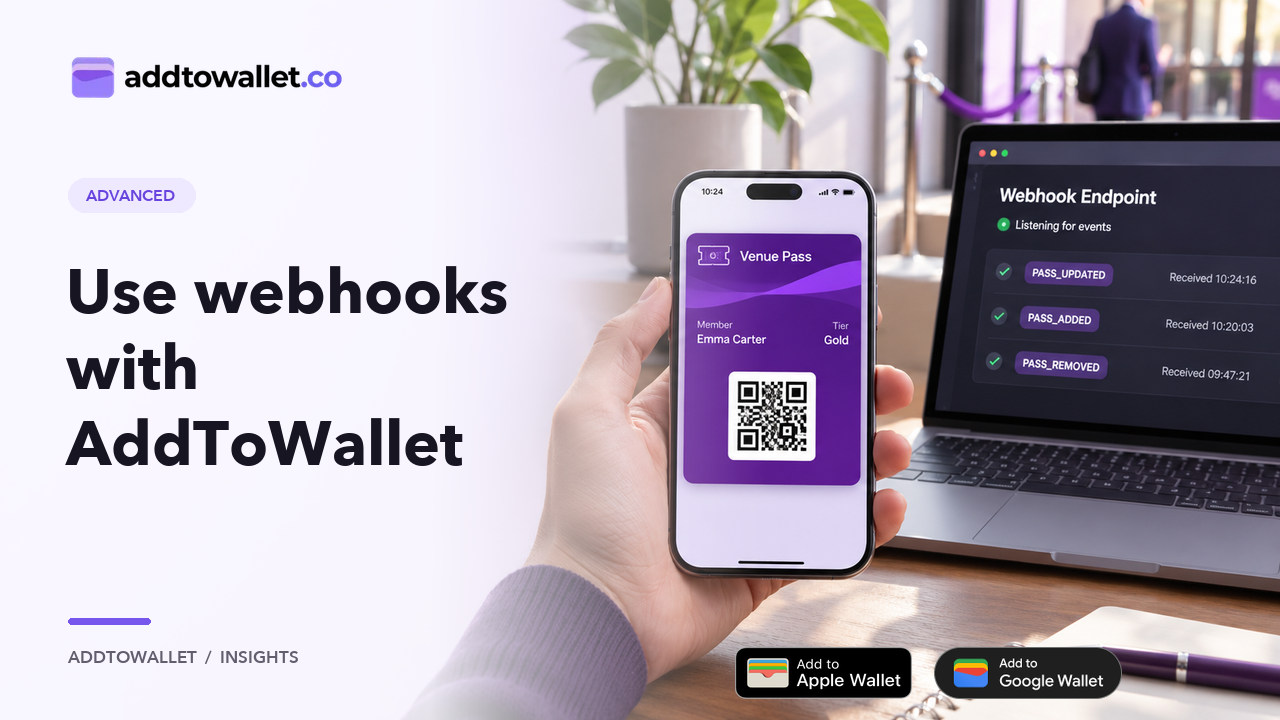
  • How-toHow to Use Webhooks with AddToWallet
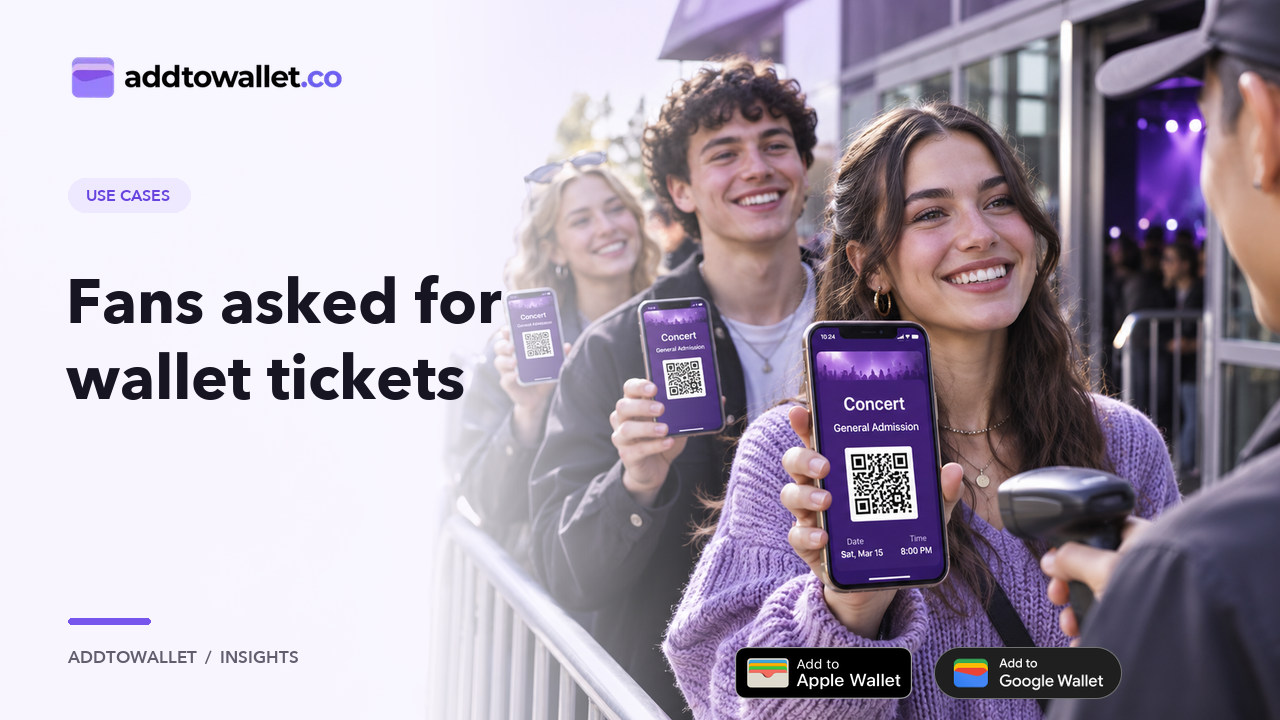
  • GuideOur Audience Asked for Wallet Tickets AddToWallet.co Delivered
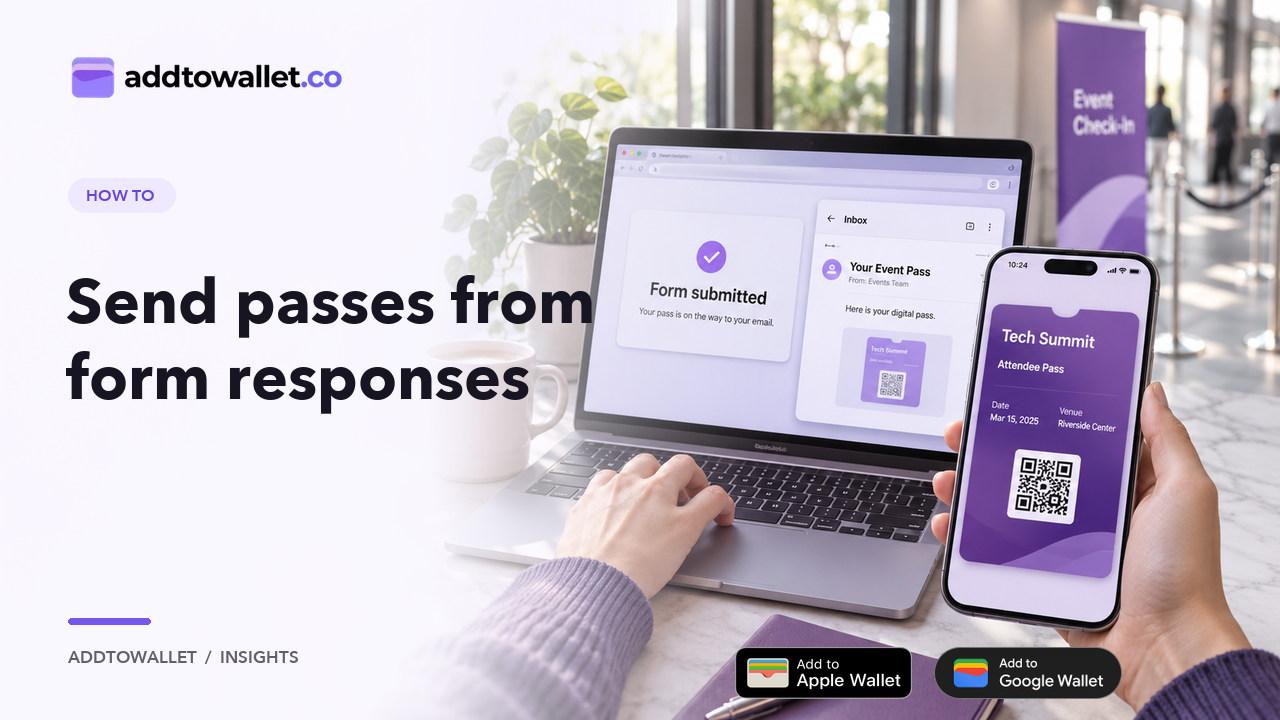
  • GuideCreate Wallet Passes from Form Responses
  • GuideWallet Pass Generator for Google Sheets
  • GuideWallet Passes for Wedding Invitations

How-to

How to create digital Concert Tickets with AddToWallet.co
By AddToWallet Team·Published December 17, 2024·Updated November 5, 2026·6 min read
How to create digital Concert Tickets with AddToWallet.co

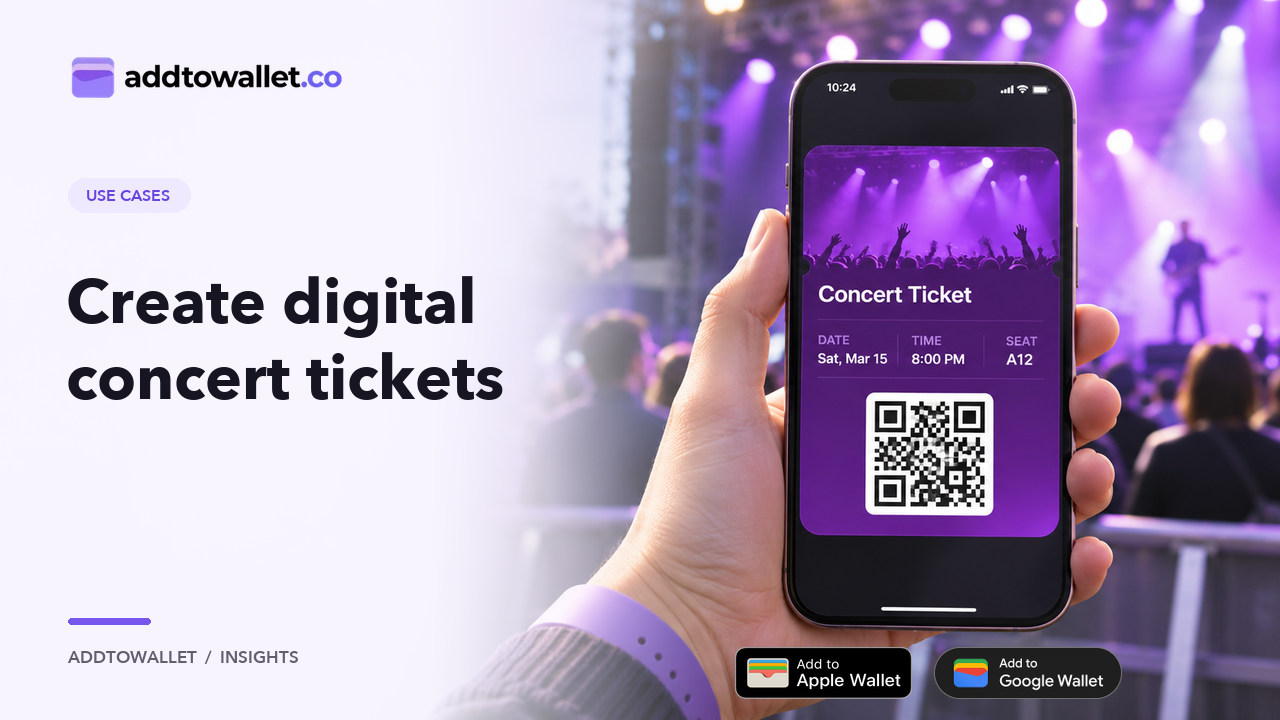
If you're organizing a concert or event, digital tickets are a game-changer. They make ticketing easier, faster, and more secure for both you and your attendees. No more dealing with lost tickets, long lines, or manual processes.

With mobile-friendly, contactless tickets, you can:

  • Streamline check-ins
  • Prevent fraud
  • Update event details instantly
  • Track attendance in real time

In this guide, you'll learn:

  1. Why digital tickets are the best option for events.
  2. How to create mobile-friendly tickets using AddToWallet.co.

Best part? AddToWallet.co is free to start, and you can create up to 10 passes for free!

What Are Digital Tickets?

Digital tickets (or e-tickets) are the modern alternative to traditional paper tickets. Perfect for concerts, conferences, or any event, they’re:

  • Convenient: Stored on your attendees’ smartphones.
  • Secure: Each ticket comes with a unique QR code.
  • Eco-friendly: Reduce paper waste while saving on printing costs.

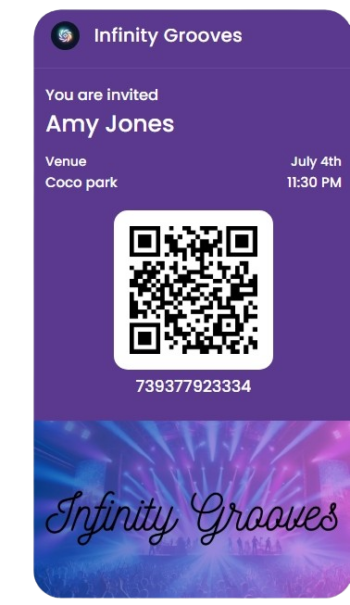
These tickets include all the event details your guests need:

  • Date and time
  • Venue location
  • Seat numbers (if applicable)

Attendees receive their tickets via email or can add them directly to Apple Wallet or Google Wallet for easy access.

How Do Digital Tickets Work?

Creating and using digital tickets is simple:

  1. Sell Tickets Online Attendees buy tickets from your website, app, or any integrated ticketing platform.
  2. Instant Ticket Delivery Tickets are sent via email or can be added directly to mobile wallets.
  3. Secure QR Code Entry Each ticket has a unique QR code. At the event, staff scan the code for fast, hassle-free entry.
  4. Smooth Event Check-In No need to print tickets or wait in long lines. Attendees just show the QR code on their phones.

Why Are Digital Tickets More Secure?

Security is a big advantage of going digital. Here’s why:

  • Encrypted: Tickets use advanced encryption to protect information.
  • Device Security: Smartphones add extra protection with Face ID, fingerprint scanning, and passcodes.
  • Unique QR Codes: Digital tickets can refresh, making them impossible to duplicate.
  • No Risk of Loss: Tickets are stored securely on phones or emails.
  • Mobile Wallet Safety: Platforms like Apple Wallet and Google Wallet ensure top-notch security.
  • Even if someone loses their phone, accessing a ticket without authentication is virtually impossible.

How to Create Digital Tickets with AddToWallet.co

AddToWallet.co is an easy-to-use platform that lets you create, distribute, and manage mobile tickets seamlessly. Whether you’re hosting a concert, sports event, or corporate gathering, AddToWallet.co simplifies ticketing for events of all sizes.

Why AddToWallet.co Is Perfect for Event Ticketing

  • Quick Ticket Creation
  • Use AddToWallet.co ’s simple Pass Designer to create beautiful, branded tickets in minutes. Add logos, colors, and event details to make them stand out.
  • Multiple Ticket Types
  • Whether it’s general admission, VIP access, or other ticket tiers, AddToWallet.co makes it easy to customize options.
  • Seamless Distribution
  • Send tickets via email, SMS, or event apps. Attendees can also add tickets directly to their mobile wallets.
  • Real-Time Monitoring
  • Track ticket sales, check-ins, and attendee behavior in real time to optimize event success.
  • Boost Attendee Engagement
  • Send push notifications and updates before, during, and after your event to keep attendees informed.

Additional Features of AddToWallet.co

  • Dynamic Pass Creation: Generate bulk passes effortlessly with dynamic pass creation.
  • Add Team Members: Collaborate better by adding team members to manage and update passes.
  • API for Automation: Use our API to programmatically create and distribute passes.
  • Detailed Analytics: Gain insights with analytics on pass distribution and usage.
  • Apple & Google Wallet Integration: Create both Apple and Google passes in one go. A single link works for both platforms, automatically displaying the correct pass based on the device.
  • Variety of Templates: Choose from a wide range of customizable templates to get started quickly.

Why Go Digital? 9 Reasons to Switch

  1. Convenience: Attendees access tickets on their phones anytime, anywhere.
  2. Cost Savings: Cut costs on printing, postage, and manual processes.
  3. Speed: Streamline check-ins with quick QR code scanning.
  4. Real-Time Updates: Make last-minute changes to tickets and notify attendees instantly.
  5. Fraud Prevention: QR codes and encryption ensure tickets can’t be duplicated.
  6. Eco-Friendly: Go paperless and reduce environmental impact.
  7. Improved Marketing: Integrate with email, SMS, and location-based notifications.
  8. Better Data Tracking: Get insights into attendee behavior and ticket sales.
  9. Scalable: Easily manage events of any size, from local gigs to global festivals.

10 Benefits of Using AddToWallet.co for Ticketing

  1. Easy Setup: Create tickets in minutes — no technical expertise required.
  2. Branded Designs: Customize tickets to match your event’s theme.
  3. Contactless Sales: Sell tickets online for faster, wider reach.
  4. Seamless Distribution: Send tickets directly to attendees’ inboxes or mobile wallets.
  5. Real-Time Tracking: Monitor check-ins and ticket usage live.
  6. Cost-Effective: Save on printing, manual labor, and logistics.
  7. Secure: Prevent counterfeiting and ticket fraud.
  8. Engaging: Send notifications, alerts, and location-based messages.
  9. Sustainable: Eliminate paper tickets and reduce waste.
  10. Versatile: Works for concerts, conferences, sports, and mo

Ready to Go Digital? Start with AddToWallet.co

Digital tickets aren’t just convenient; they’re a must for modern events. They simplify operations, enhance security, and improve your guests’ experience from start to finish.

AddToWallet.co offers everything you need to create, distribute, and track digital tickets with ease. Whether you're planning a small concert or a large-scale festival, AddToWallet.co helps you:

  • Save time
  • Reduce costs
  • Delight attendees with a seamless experience

AddToWallet.co is free to start and lets you create up to 20 passes for free. Get started today and take your event ticketing to the next level!

Frequently Asked Questions (FAQs)

1. What is a digital ticket?

A digital ticket is an electronic version of a paper ticket, stored on your phone or email. It’s secure, convenient, and eco-friendly.

2. Can I use a screenshot of my digital ticket?

No, most systems use QR codes that refresh regularly to prevent duplication.

3. How do I access digital tickets on my iPhone?

Add your ticket to Apple Wallet for quick and secure access. You’ll receive instructions via email.

4. How are digital tickets sent?

Tickets are delivered via email, SMS, or event apps. Attendees can add them to mobile wallets like Apple Wallet or Google Wallet.

Final Thoughts

Upgrade Your Event Ticketing Today with AddToWallet.co.

Create Wallet Pass Now

All guides

  • Guide10 reasons why incorporating Mobile Wallet Passes into your mobile strategy is essential
  • Guide5 Reasons why your store needs a wallet pass
  • GuideAdvantages of using Google and Apple wallet pass in businesses
  • GuideBest practices to design an amazing wallet pass
  • GuideBoost Engagement with Interactive Wallet Passes in Magazines
  • GuideConvert Pdf To Pass Using AddToWallet
  • GuideCreate Apple wallet pass for free
  • GuideCreate Apple Wallet passes for Your Business
  • GuideCreate Google wallet pass for free
  • GuideCreating Apple and Google Wallet Passes
  • GuideCreate Wallet Passes with the AddToWallet Zapier Integration
  • GuideDifferences between Apple and Google wallet
  • GuideEnhance audience interaction with wallet passes in Newspapers
  • GuideHidden Form Fields: Dynamic Expiry for Wallet Passes
  • GuideHow Google and Apple Wallet Pass Works
  • How-toHow to Add Amelia Booking Passes to Apple Wallet & Google Wallet
  • How-toHow to Add an Add to Wallet Button to Your Website
  • How-toHow to Add an Apple Wallet Button Easily
  • How-toHow to Add Bookly Booking Passes to Apple Wallet & Google Wallet
  • How-toHow to Add Location to Wallet Passes
  • How-toHow to Add Team Members to Your Account
  • How-toHow to Add Simply Schedule Appointments Bookings to Apple Wallet & Google Wallet
  • How-toHow to Add The Events Calendar Tickets to Apple Wallet & Google Wallet
  • How-toHow to Add LatePoint Appointments to Apple Wallet & Google Wallet
  • How-toHow to Add Sugar Calendar Tickets to Apple Wallet & Google Wallet
  • How-toHow to configure notifications for Apple & Google wallet passes
  • How-toHow to create a business pass for Apple and Google wallet
  • How-toHow to Create a wallet pass?
  • How-toHow to create a wallet pass using Zapier Integration?
  • How-toHow to create digital Concert Tickets with AddToWallet.co
  • How-toHow to create dynamic passes and manage users in AddToWallet
  • How-toHow To Create Gift Cards in Bulk
  • How-toHow to Create Hair Salon Gift Cards in Minutes
  • How-toCreate Loyalty Wallet Pass Using AddToWallet
  • How-toHow to Create Mobile Wallet Passes Using Google Sheets
  • How-toHow to Create & Scan Dynamic Wallet Passes Using AddToWallet
  • How-toHow To Distribute Google or Apple Wallet Pass
  • How-toHow to duplicate a wallet pass?
  • How-toHow to embed Google Wallet or Apple Wallet button on Shopify
  • How-toHow to embed Google wallet or Apple wallet button on Squarespace
  • How-toHow to embed Google Wallet or Apple Wallet button on Weebly
  • How-toHow to embed Google Wallet or Apple wallet button on Wix
  • How-toHow to embed Google Wallet or Apple Wallet button on WordPress
  • How-toHow to Generate JSON for Apple & Google Wallet Passes
  • How-toHow to generate leads using Google wallet or Apple wallet Pass wallet pass?
  • How-toHow to Use AddToWallet Node on N8N
  • How-toHow to integrate make.com with AddToWallet.co?
  • How-toHow to Secure Wallet Passes with Access Code Protection
  • How-toHow to Send Notifications Using Wallet Pass
  • How-toHow to Set Up Custom Domains with AddToWallet
  • How-toHow to Share Wallet Passes Using Flyers
  • How-toHow to test Apple Wallet beacons
  • How-toAddToWallet Order Pass App on Shopify
  • How-toHow to create dynamic wallet pass
  • How-toHow to Use Webhooks with AddToWallet
  • GuideOur Audience Asked for Wallet Tickets AddToWallet.co Delivered
  • GuideCreate Wallet Passes from Form Responses
  • GuideWallet Pass Generator for Google Sheets
  • GuideWallet Passes for Wedding Invitations
addtowallet.co

AddToWallet is a Mobile Wallet Pass creator to design custom Apple & Google Wallet passes for coupons, deals, gift cards, and loyalty cards.

Use Cases

  • Insurance
  • Fund raising
  • Fan-clubs
  • Restaurant
  • Higher Education

Solutions

  • Loyalty Pass
  • Coupons
  • Gift Cards
  • Event Tickets
  • Google Wallet
  • WalletPassBuilder

Company

  • FAQs
  • Blog
  • Product Updates
  • Privacy policy
  • Terms & conditions
  • Trust Center
© 2026 Hazelnut Ventures LLC