































How-to
How to create dynamic passes and manage users in AddToWallet
Managing users efficiently is key when handling digital passes. With AddToWallet, you can create user groups, import data in bulk, and generate dynamic passes effortlessly. In this guide, we’ll walk you through the process step by step.
Step 1: Create a Dynamic Pass Template
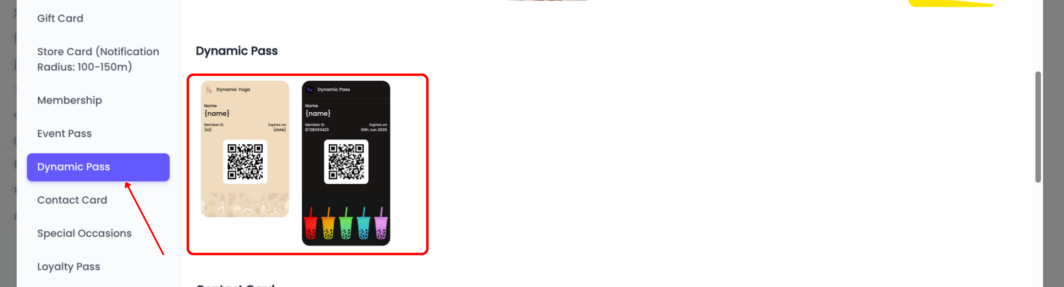
Navigate to Pass Templates and select a Dynamic Pass Template.
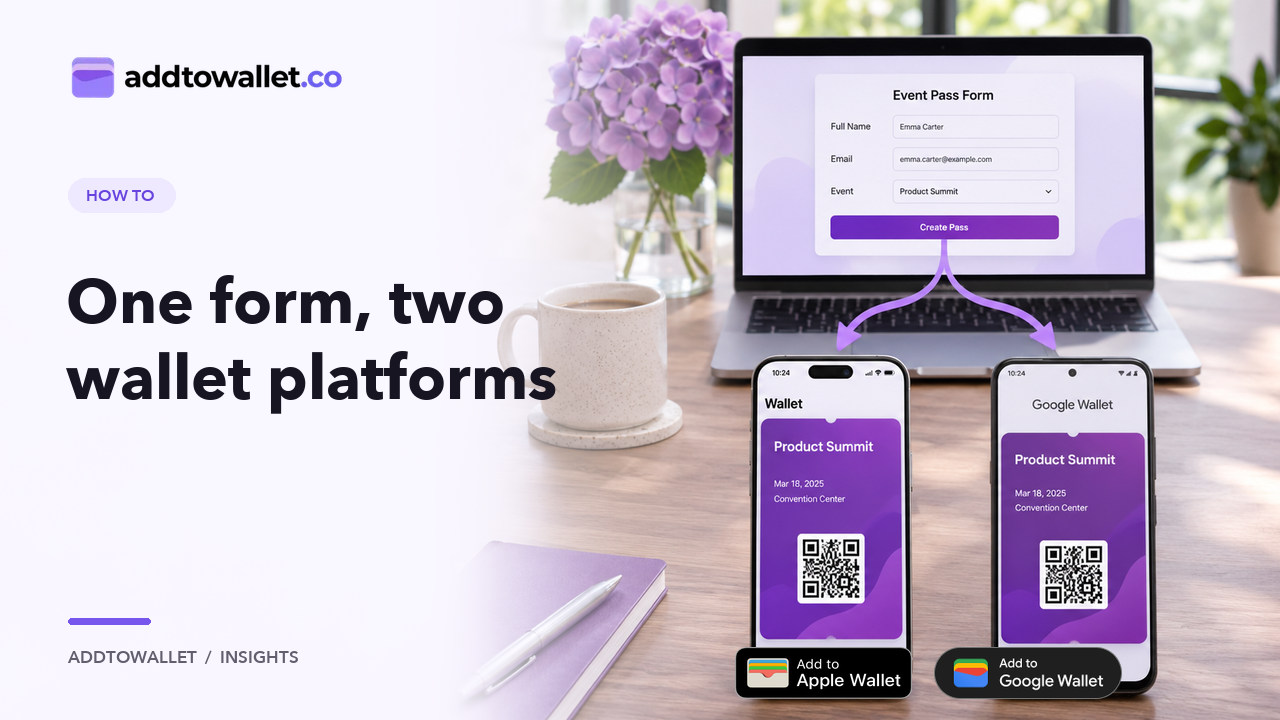
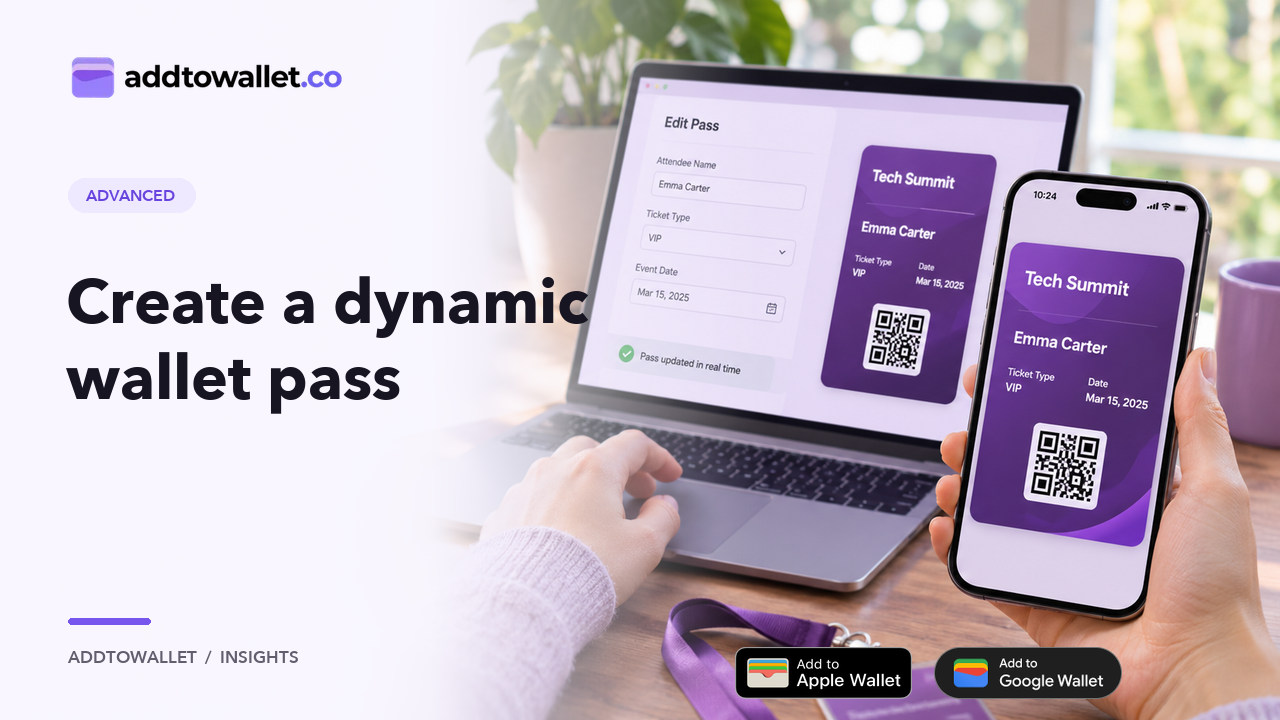
Dynamic Passes allow a single template to be connected to a user group, making it easy to manage and update passes for multiple users from one place.
Step 2: Add Dynamic Fields
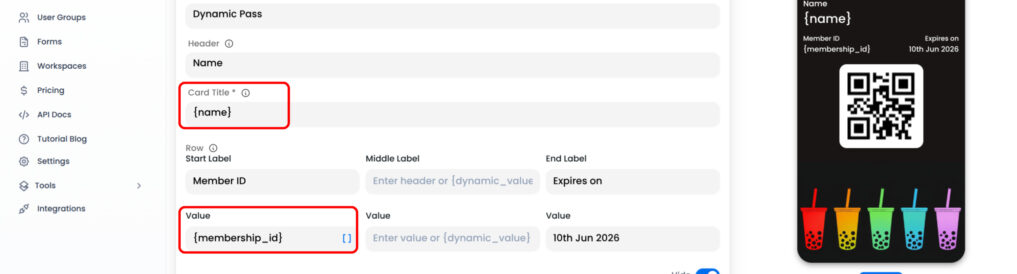
Dynamic fields allow content to change for each user while using the same template.
To create a dynamic field, wrap a field name inside curly braces.
Example
{name}{membership_id}
When a pass is generated, these placeholders are automatically replaced with each user's data.
Step 3: Configure Check-In Settings
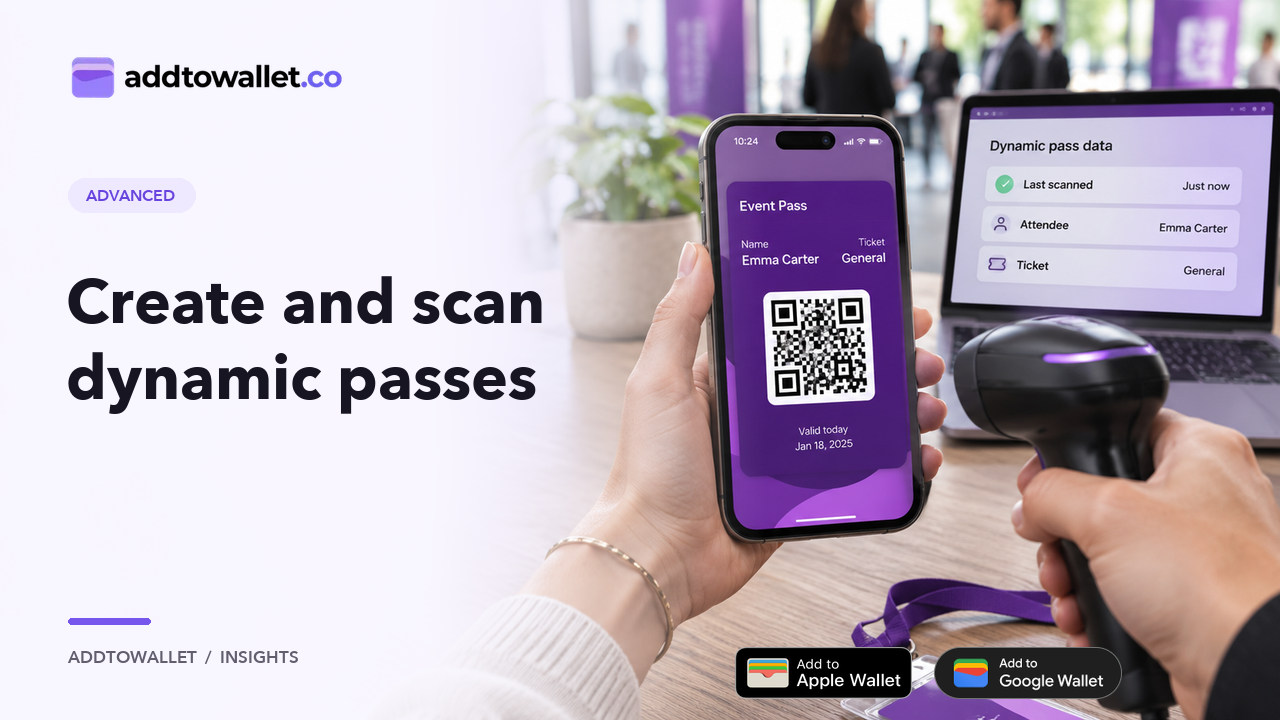
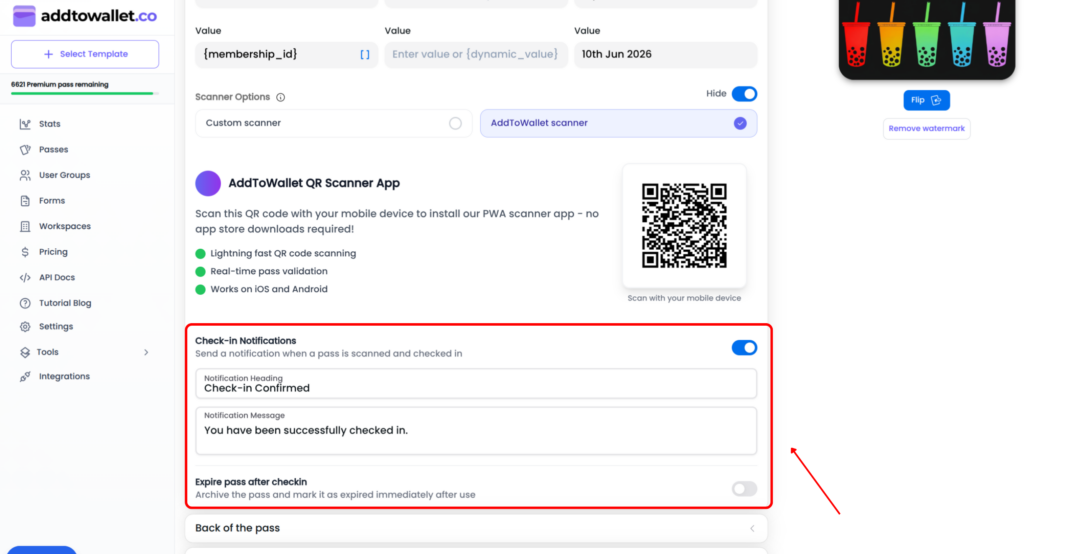
If you'd like to track attendance or usage, enable check-ins from the template settings.
Available Options
- Enable Check-In Notifications
- Customize notification messages
- Automatically expire passes after check-in
- Track check-in activity through logs
These settings work seamlessly with the AddToWallet Scanner app.
Step 4: Save Your Template
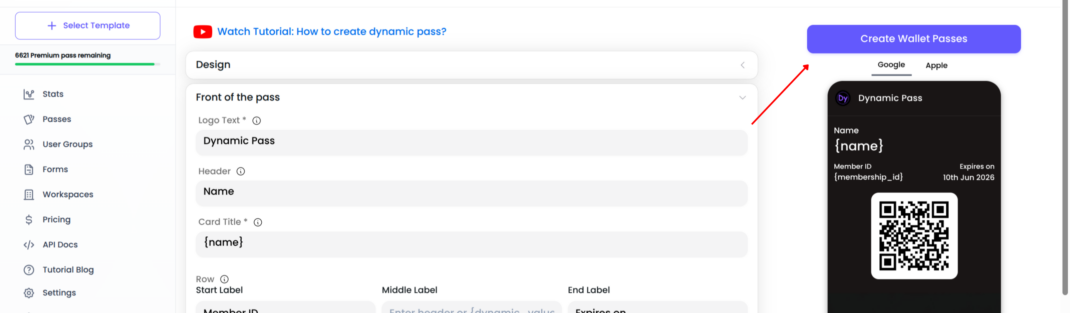
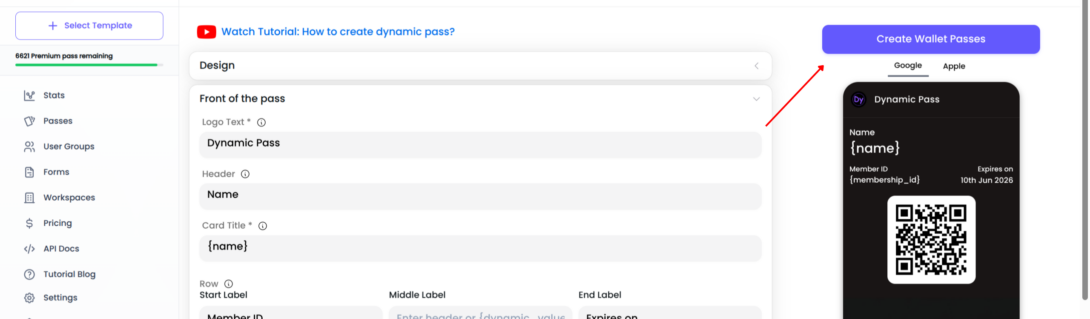
- Once you've finished configuring your pass design and settings, click Create.
- After the template is created, a user group is automatically attached to it and is ready to receive users.
Step 5: Add Users to the Group
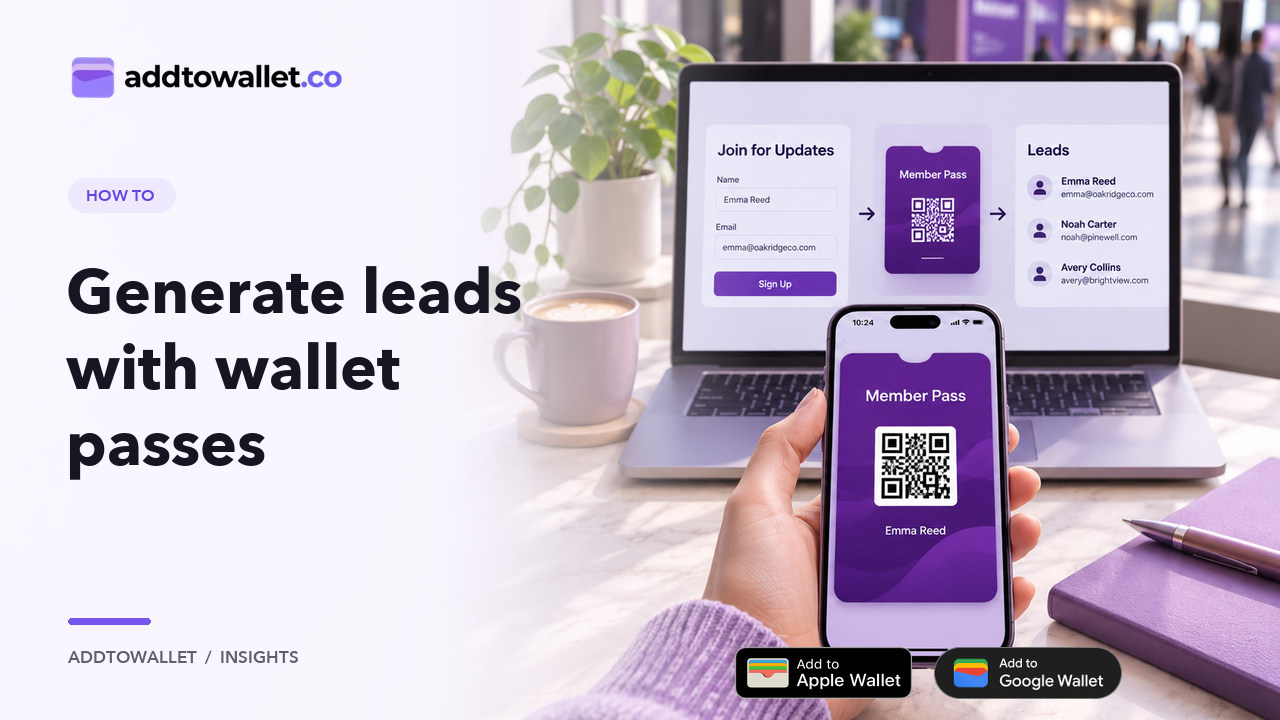
Open the attached group and click Add User.
You can:
- Add individual users manually
- Import multiple users in bulk
This makes it easy to issue passes to a handful of users or thousands of users at once.
Why Use Dynamic Passes?
Dynamic passes offer flexibility and real-time updates, making them an ideal solution for various applications. Here’s why they are beneficial:
- Instant Updates – Modify user details and pass information without reissuing new passes.
- Personalization – Customize passes for different users within the same group.
- Efficient User Management – Add, remove, or update users seamlessly.
- Bulk Processing – Handle large sets of user data with CSV imports.