How-to
How To Distribute Google or Apple Wallet Pass
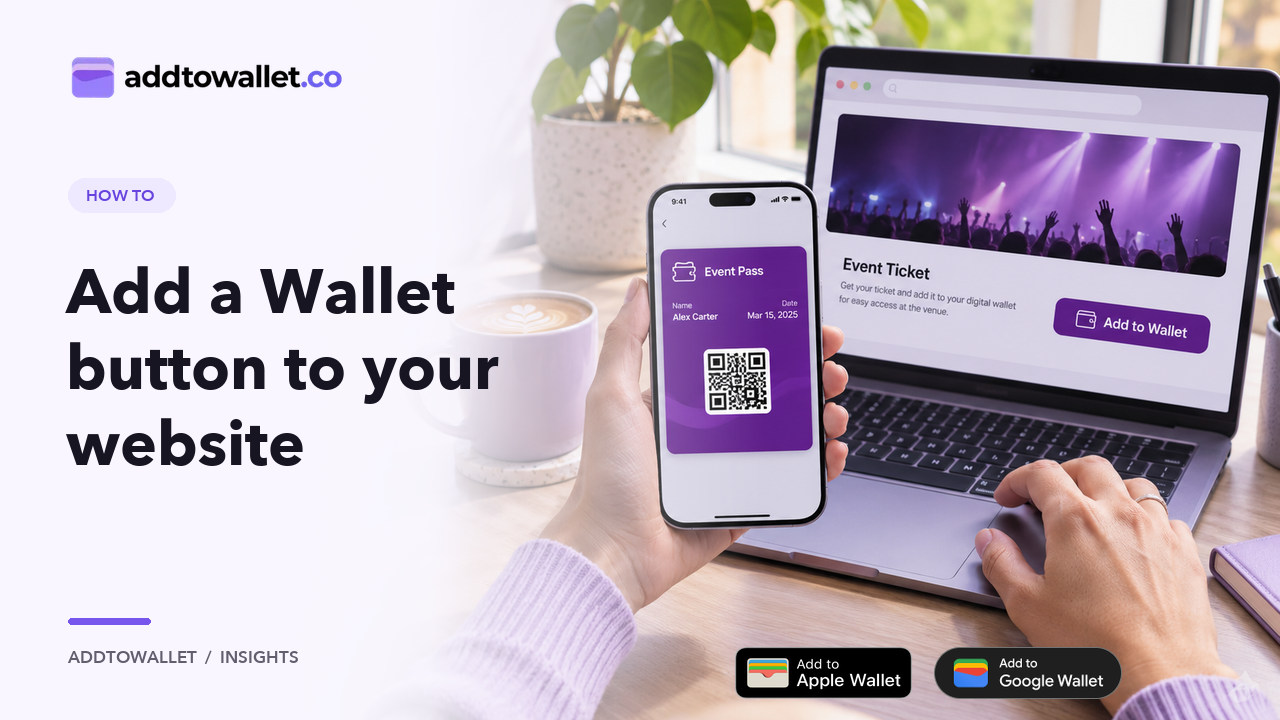
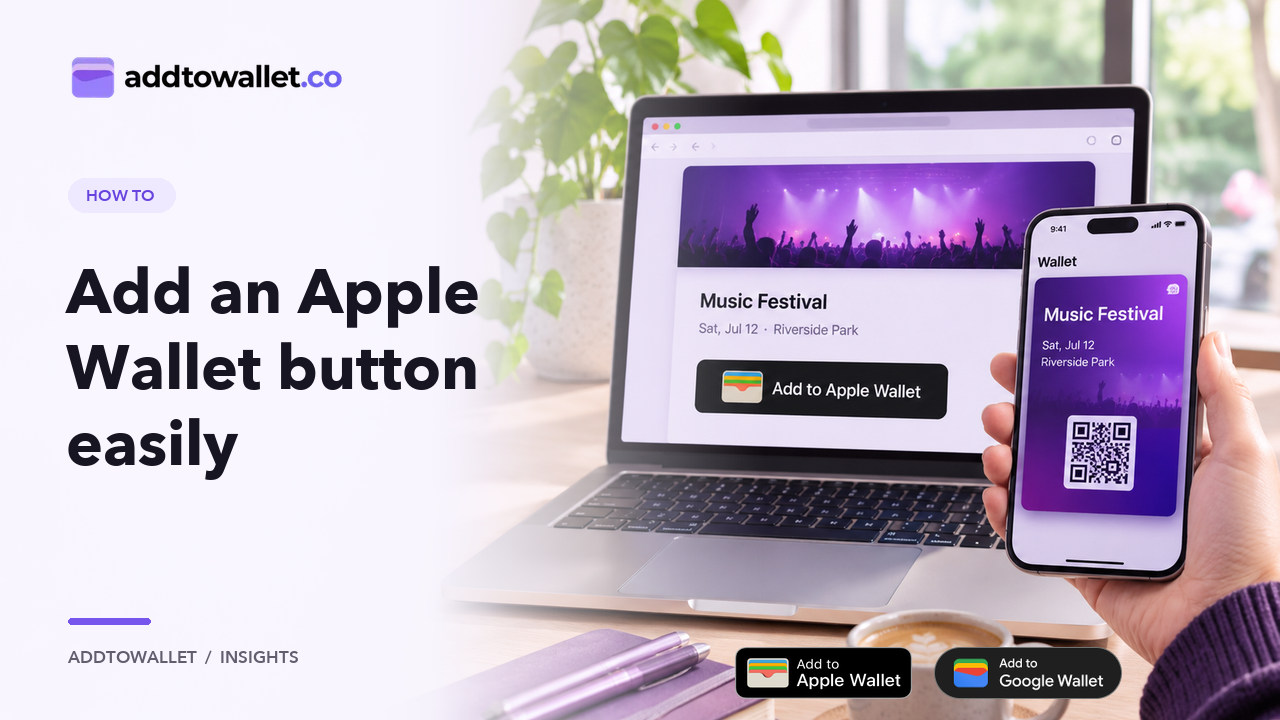
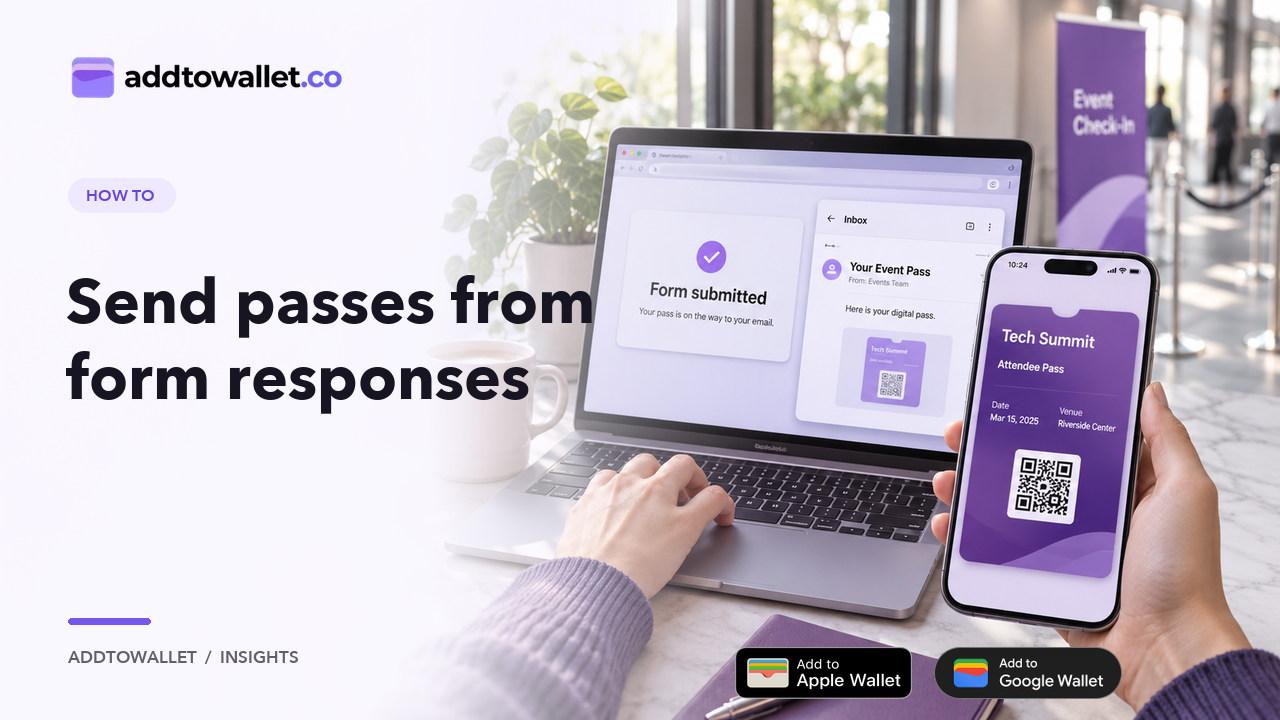
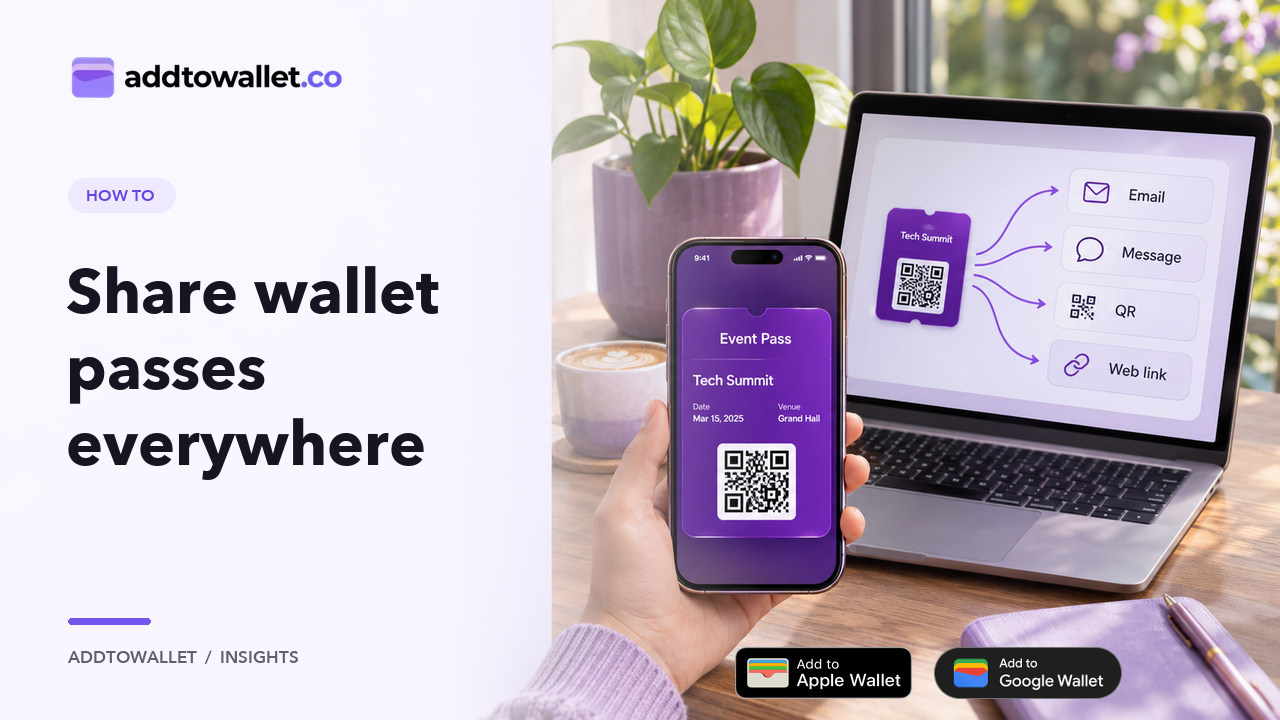
After you create the pass, share it through an app, email, messaging, the web, or the QR code. A customer can tap a link on a website, a social page, or an ad, or scan the code, and add the pass without installing a related app.
Adding passes to Wallet is easy. They can be distributed through various channels such as apps, email, messaging, the web, or by scanning a QR code you get after creating a pass on addtowallet.co. Users can add a pass without needing to install a related app or even if there isn't one. If there is an app, users without it can install it directly from the pass
Customers can
- Tap a link on a website
- Tap a link on social media pages
- Tap a link in an online ad
- Receive an email or SMS
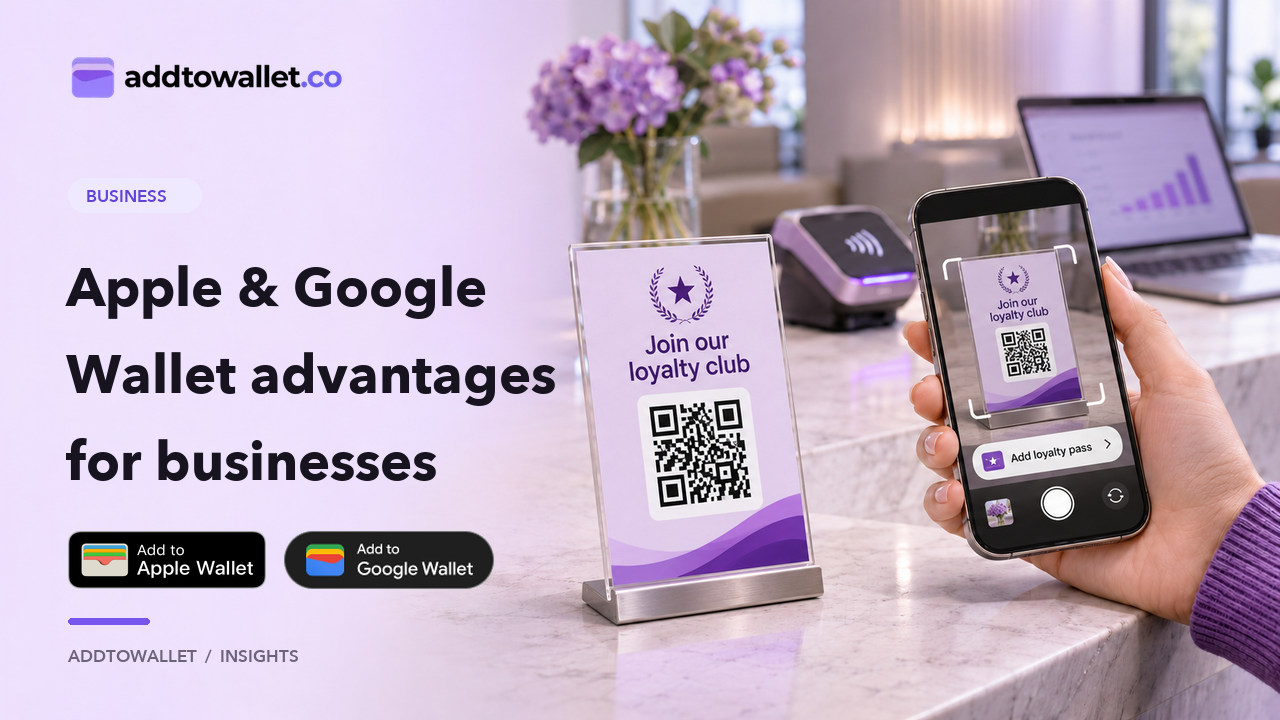
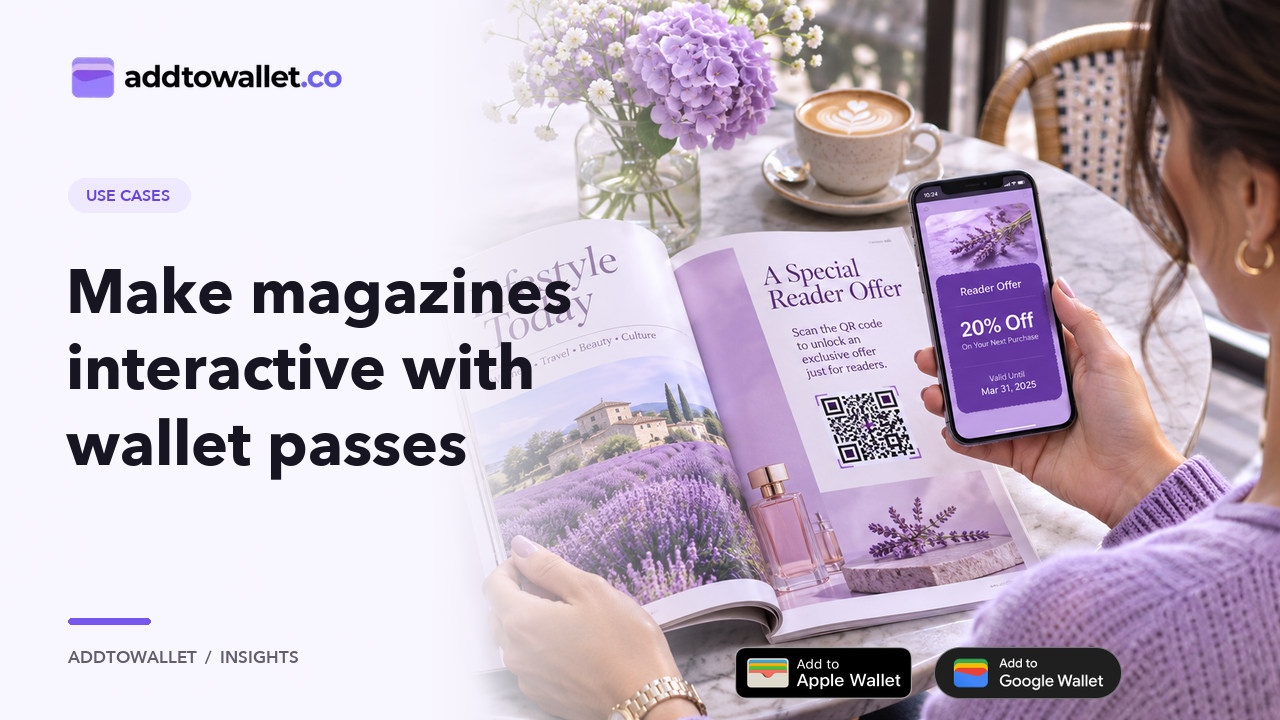
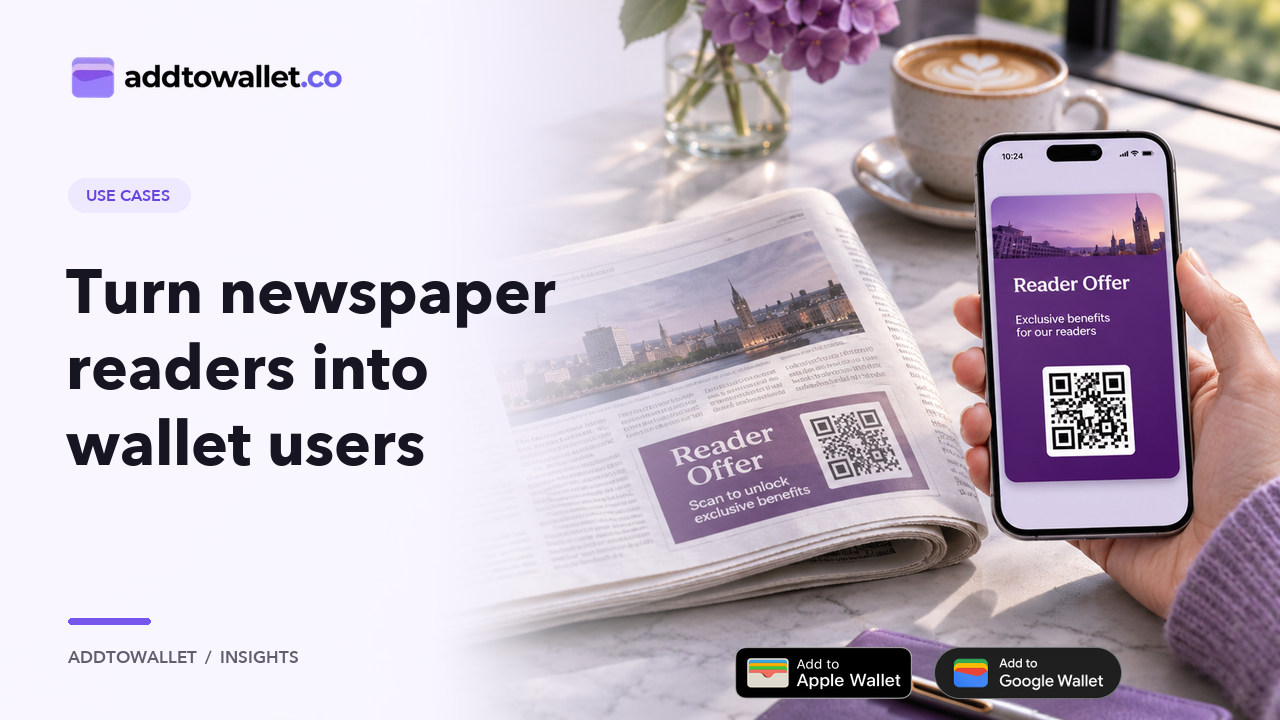
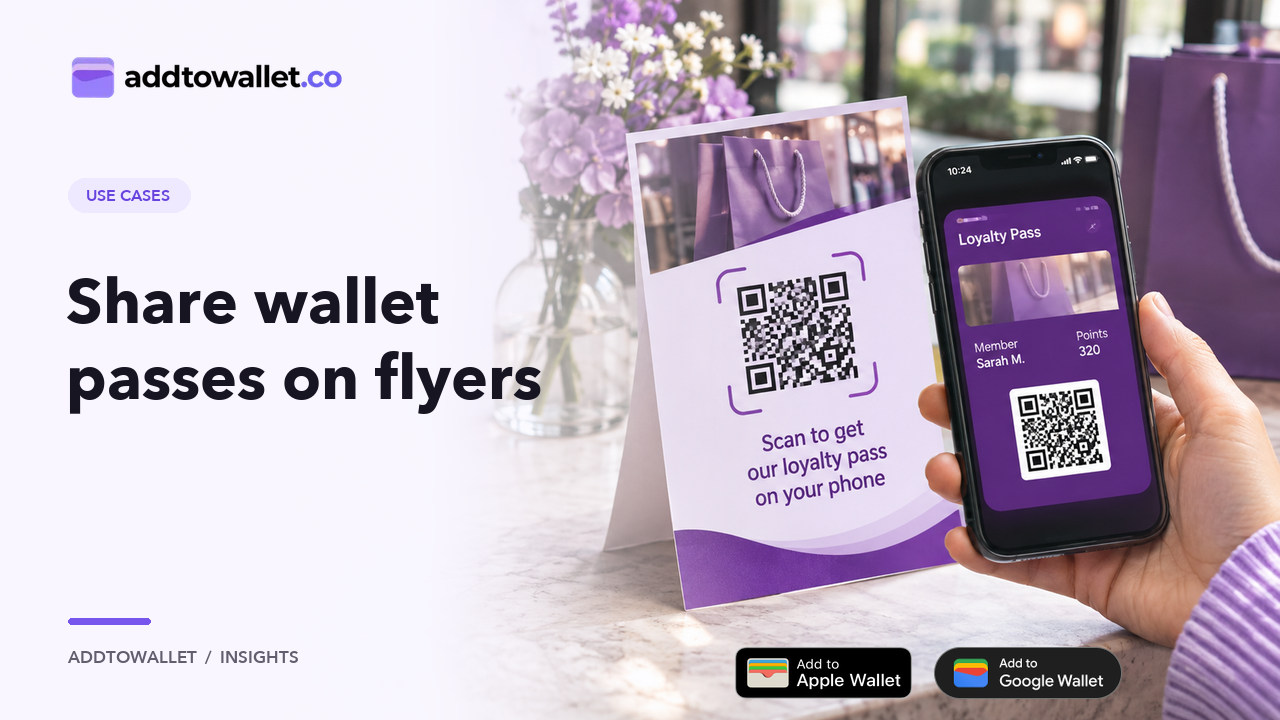
The example of using QR code is shown below

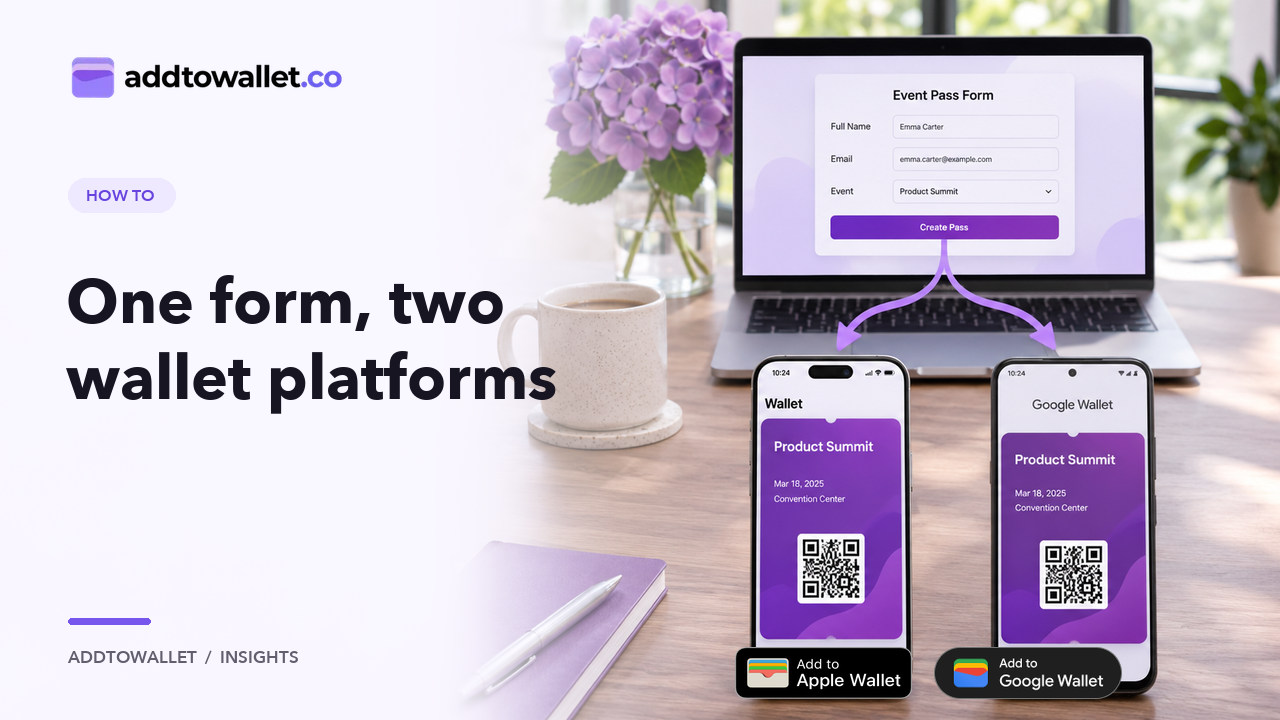
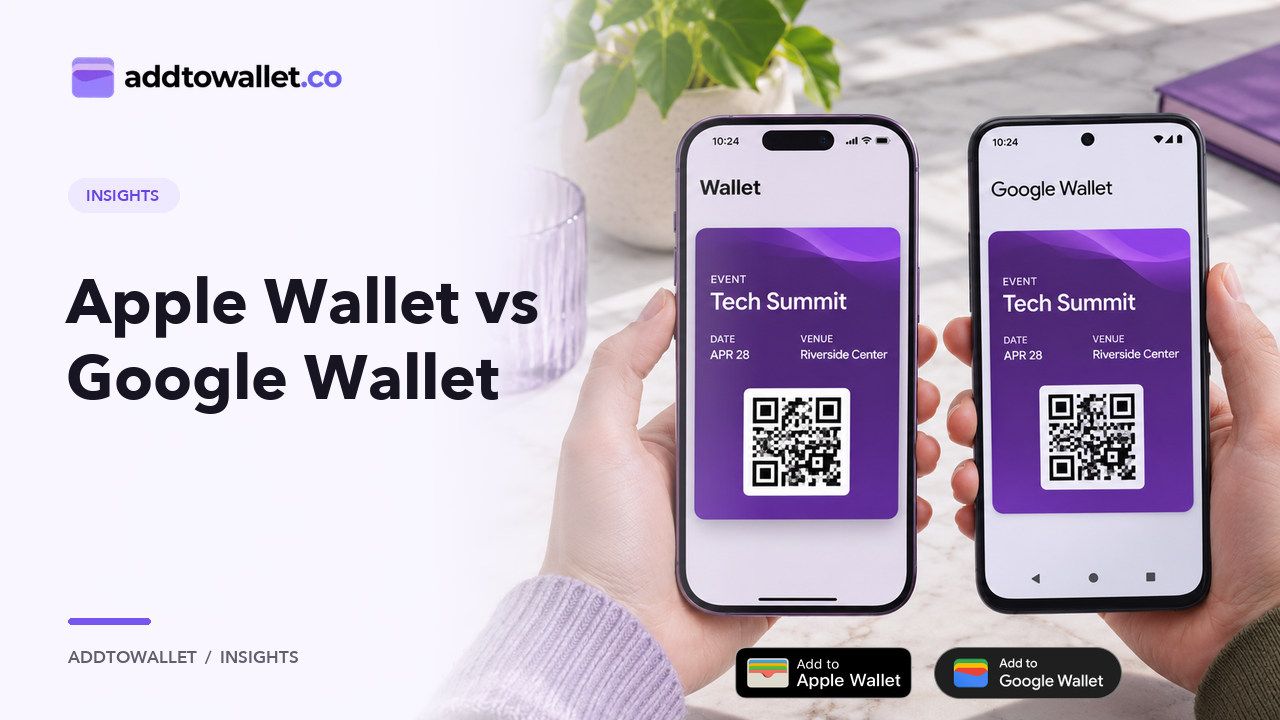
The AddToWallet function seamlessly identifies whether the device is iOS or Android, and then prompts the respective pass for adding accordingly.
Create Wallet Pass Now