


















































Guide
Convert Pdf To Pass Using AddToWallet
By AddToWallet TeamPublished Updated 1 min read
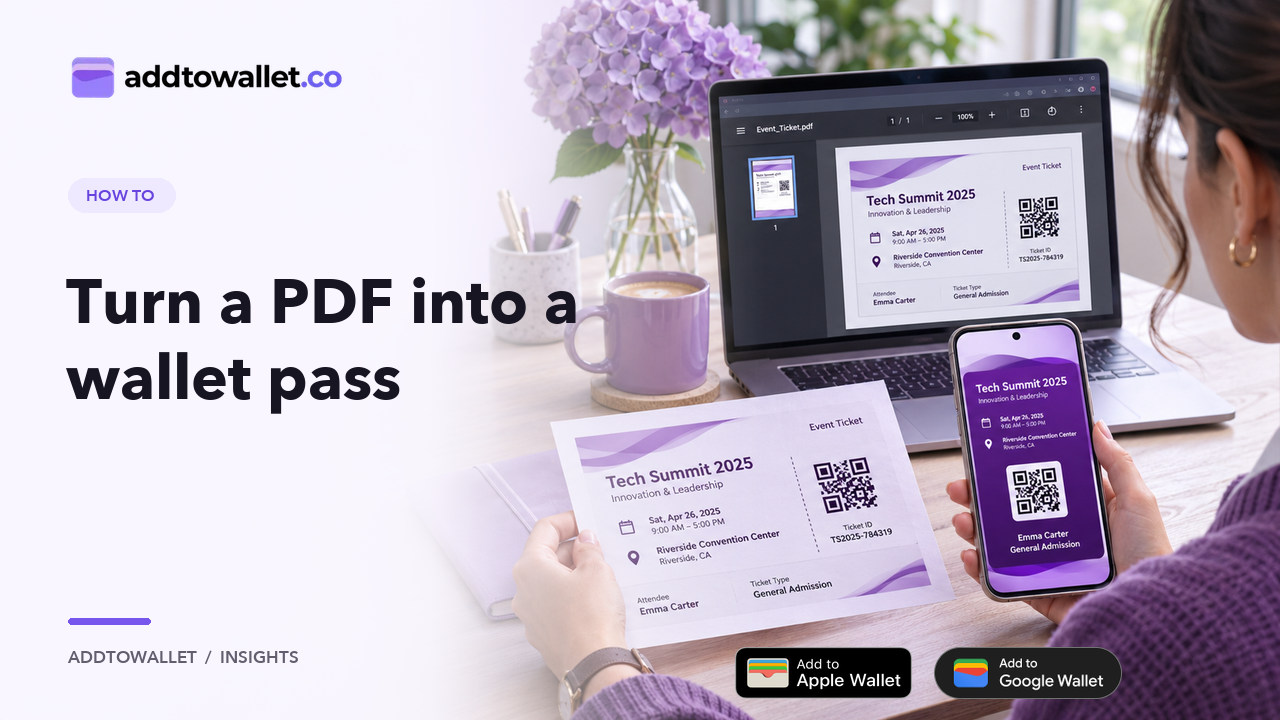
Click PDF-to-Pass in the menu, upload a PDF that matches the pass you want, and check the preview. If it looks right, click Edit and Create to open that template in the pass builder with the details from the PDF already filled in.
Creating wallet passes just got easier with AddToWallet. With our new PDF-to-Pass feature, you can upload a PDF and we’ll automatically extract the details to pre-fill your pass template. No more copy-pasting or manual setup — just upload your document, and in seconds you’ll have a ready-to-customize pass that’s mobile wallet–ready.
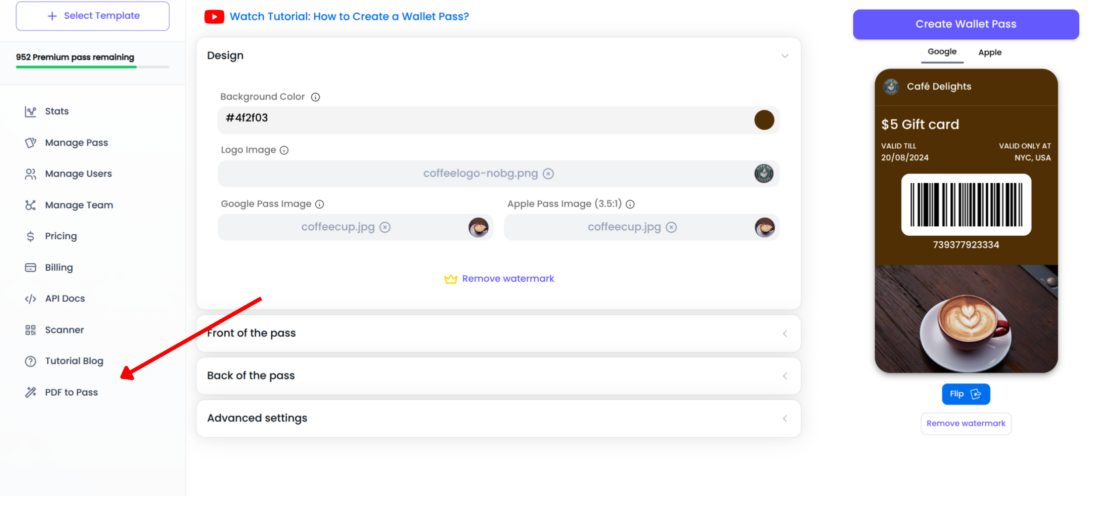
1. Click on PDF-to-Pass in the menu bar
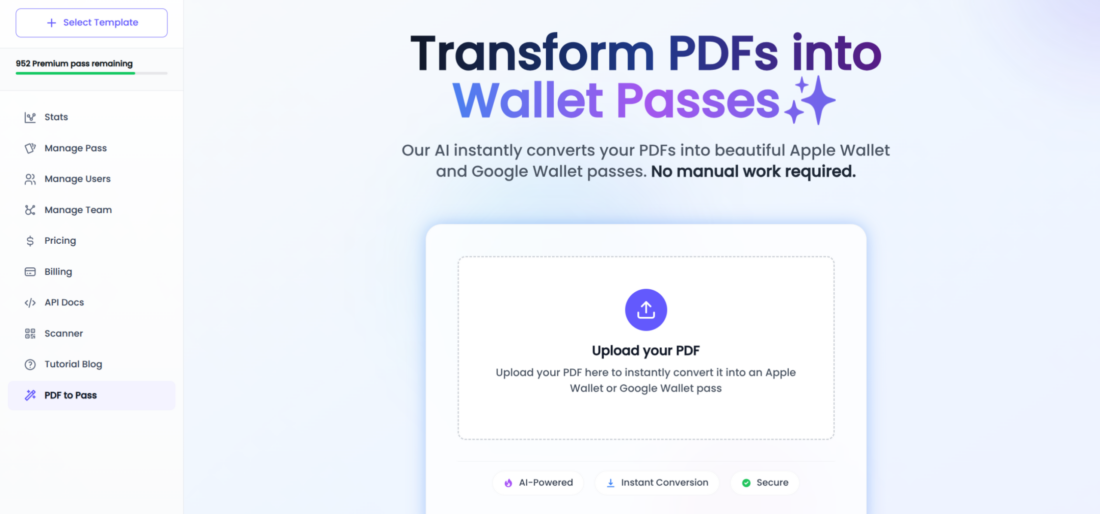
Step 2: Upload your PDF that matches the kind of pass you want to create
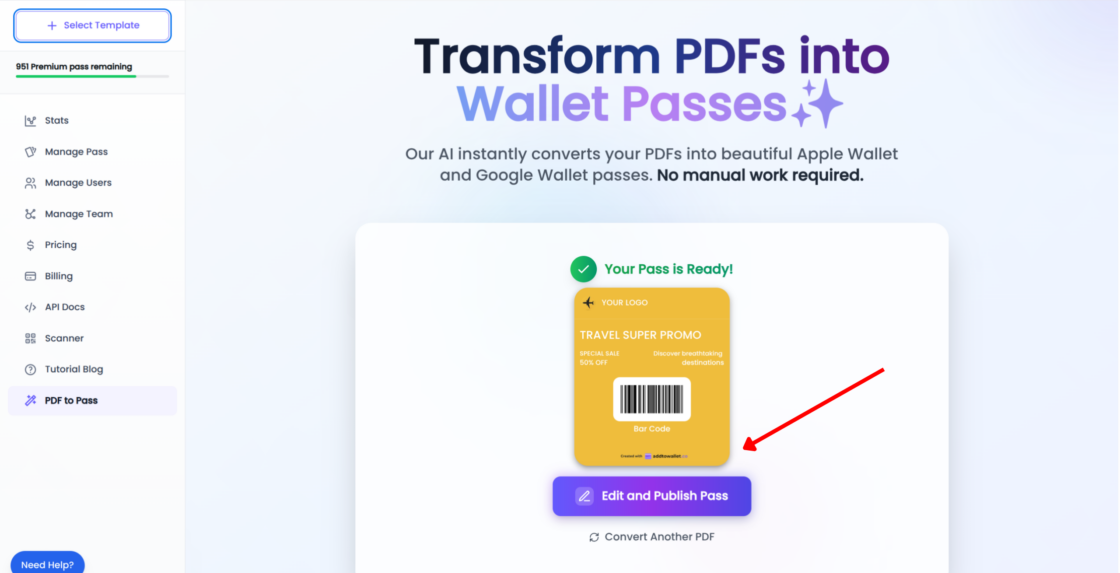
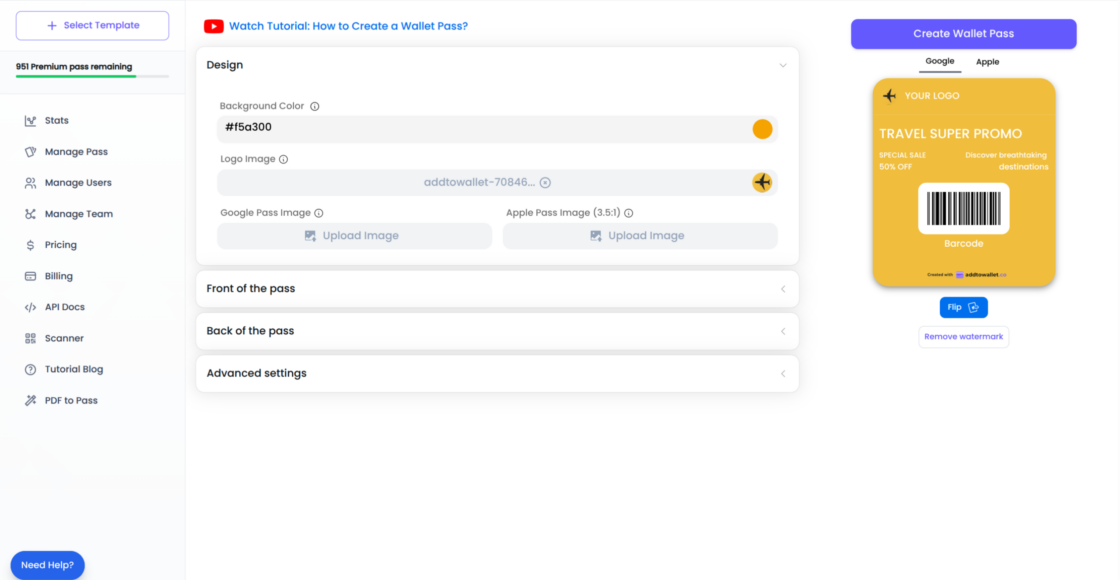
3. If you are satisfied with the Pass Preview, click on Edit & Create to populate this template in the Pass Builder
For more ideas on leveraging wallet passes in your marketing strategy, visit the AddToWallet.co Blog.
Create Wallet Pass Now