Google Sheet Extension
PDF to Pass
Image to Pass
QR Code Generator
Barcode Generator
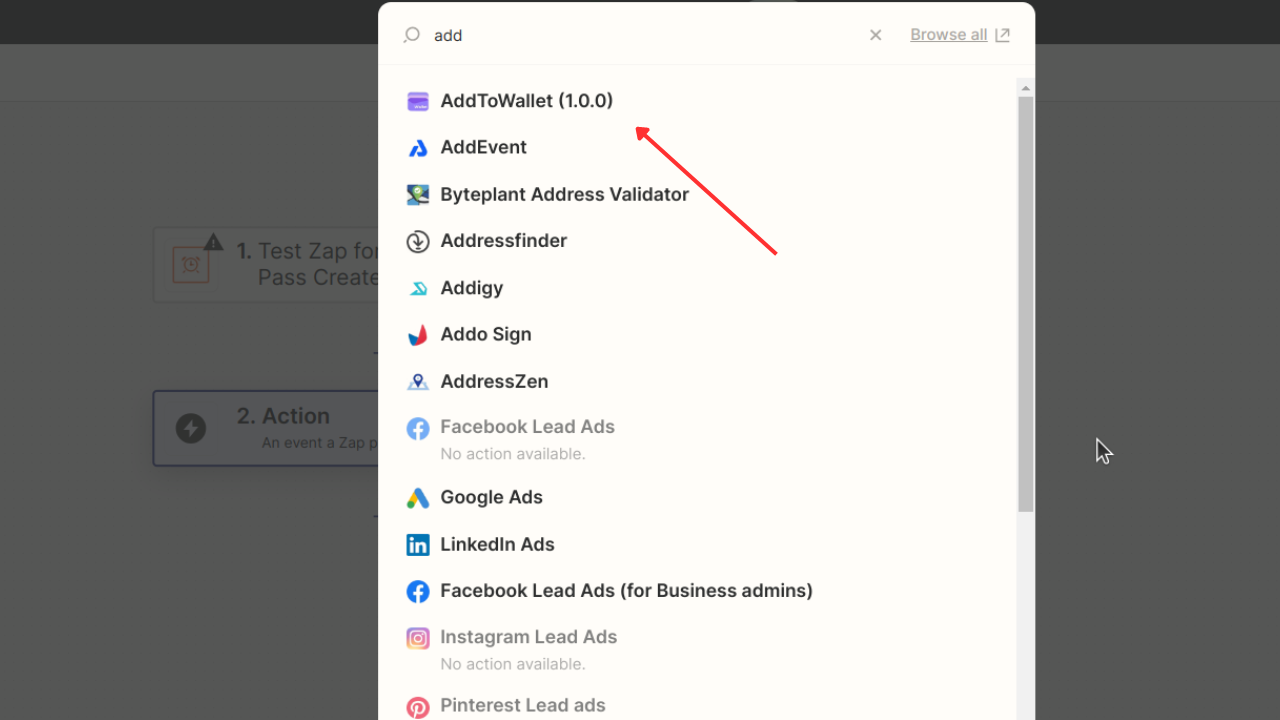
1) In Zapier, select AddToWallet from the actions.
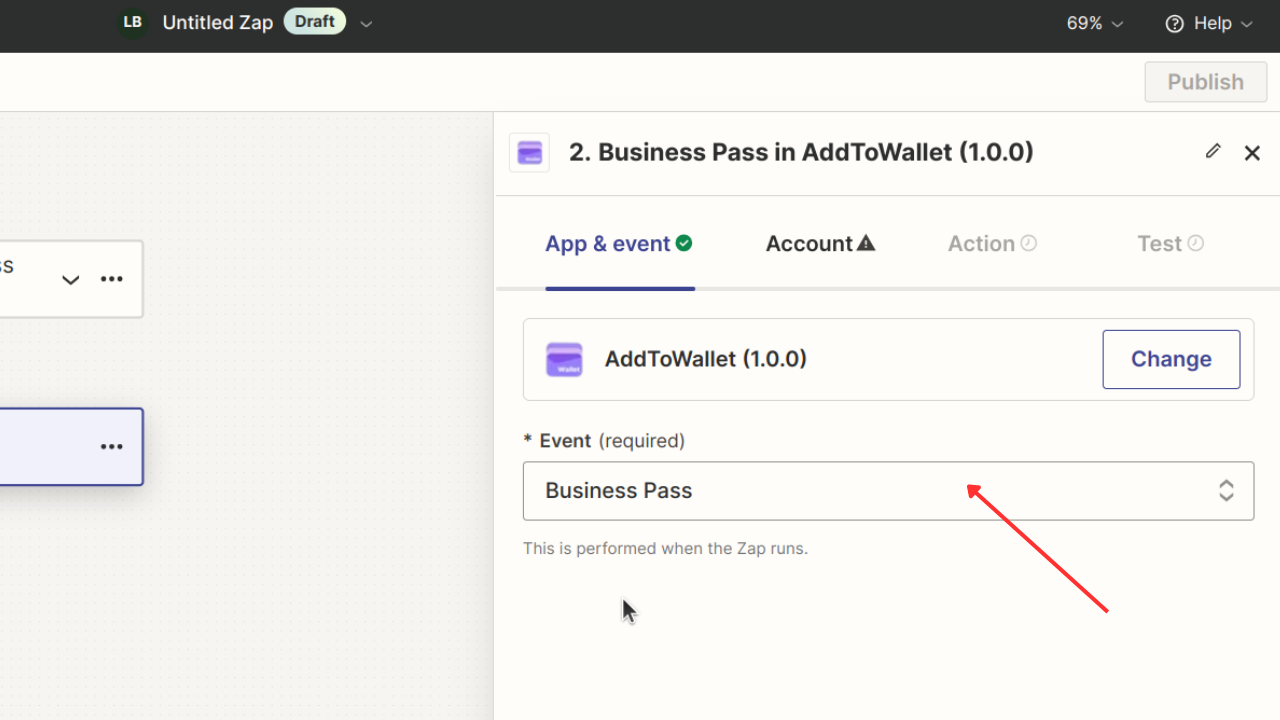
2) In the App and Event section, select Business Pass.
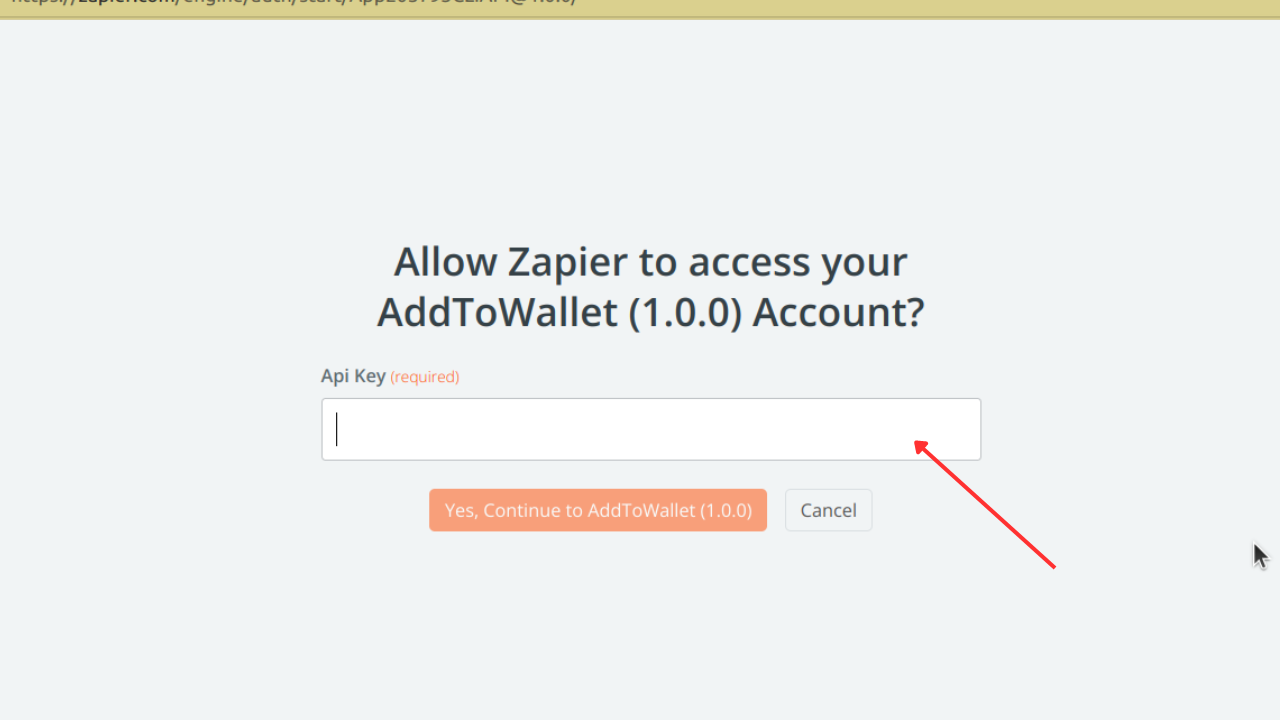
3) Click on Account and connect by entering the API key provided in the green button at the top of this page.
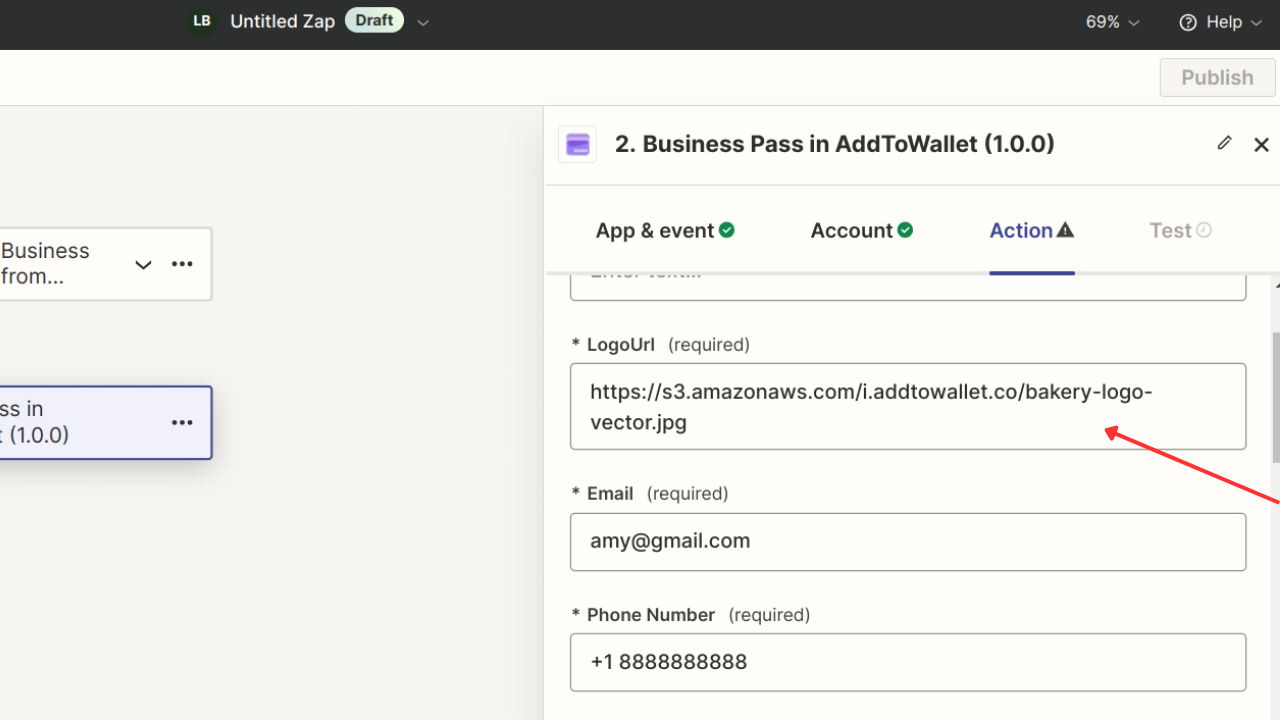
4) Click on the Action and edit the form according to your needs, such as Email, Phone Number, and Background.
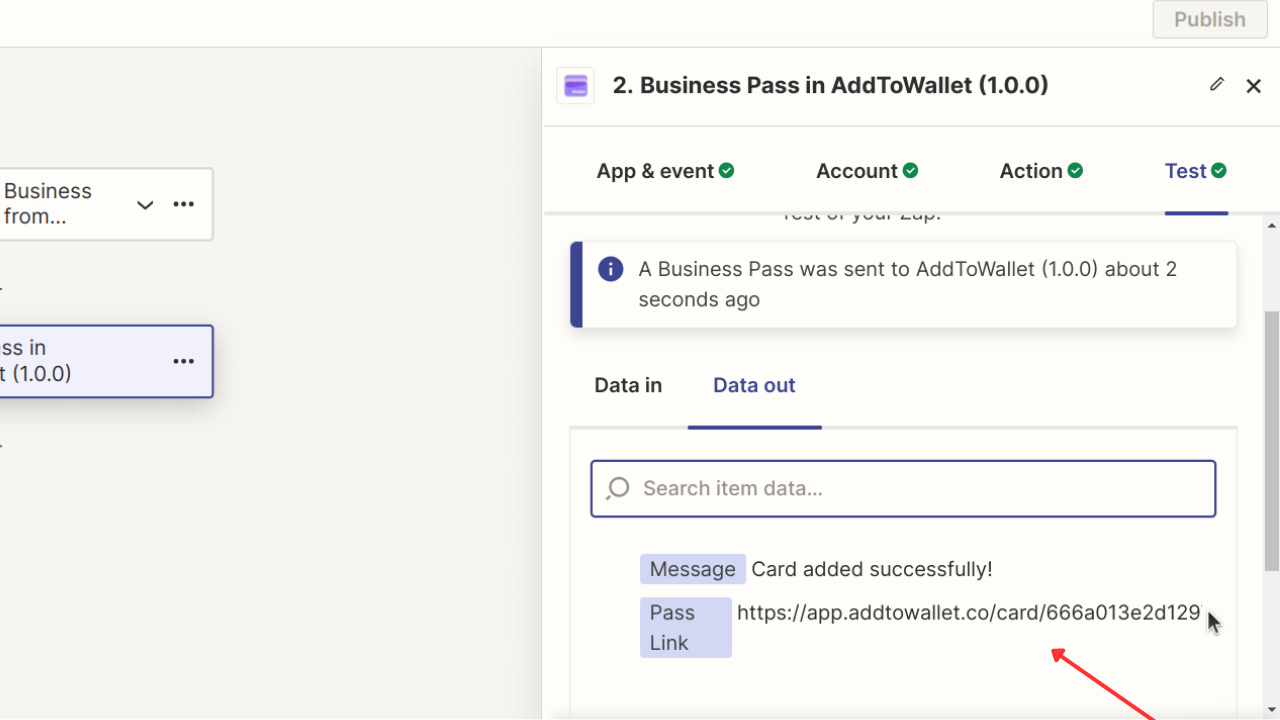
5) Once the action is executed, you can use the Pass Link as needed.