
Google Sheet Extension
PDF to Pass
Image to Pass
QR Code Generator
Barcode Generator

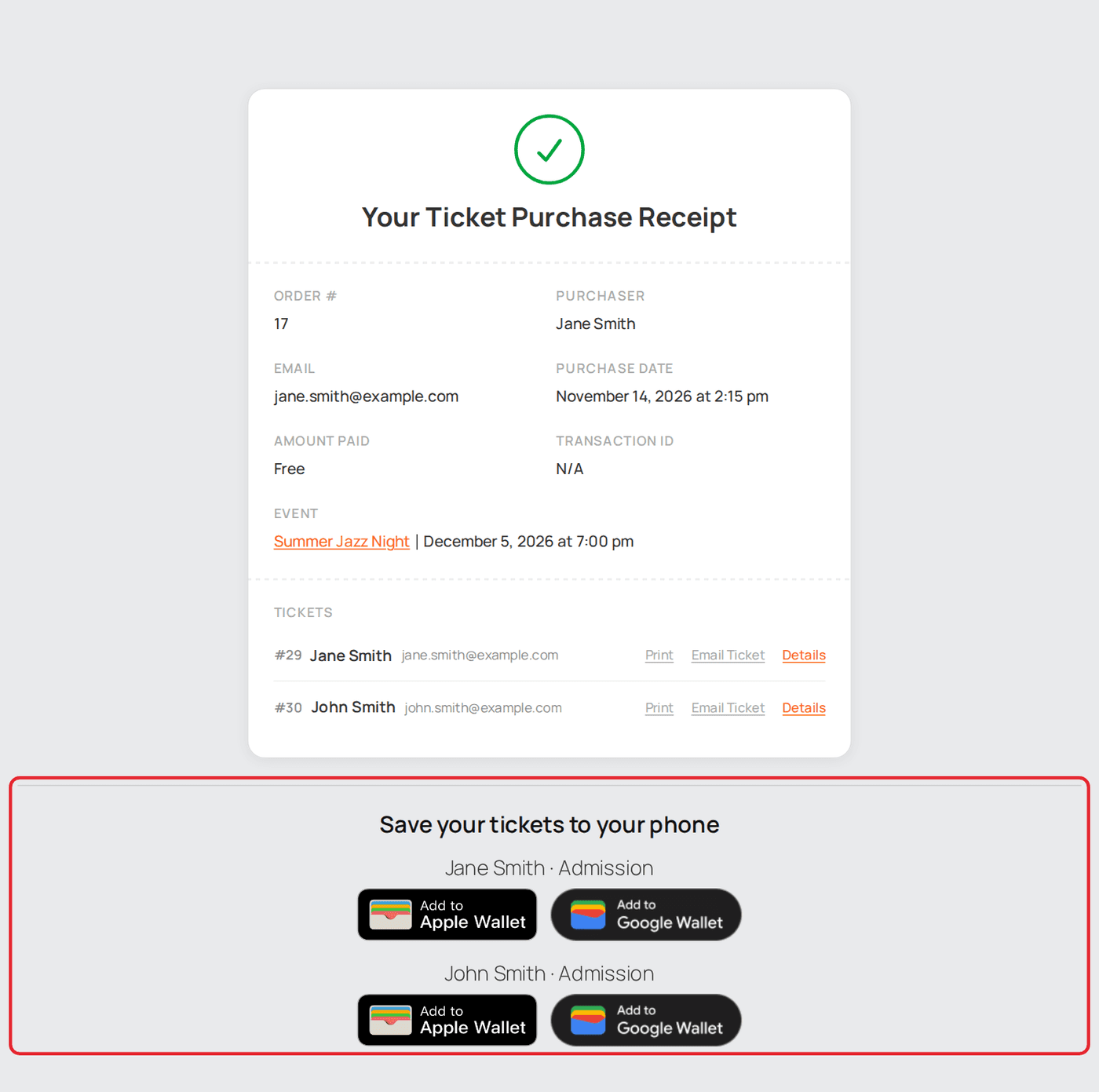
Every ticket sold through Sugar Calendar becomes an Apple or Google Wallet pass, so it sits on your attendee's phone instead of in an email they have to find at the door.
In WordPress go to Plugins → Add Plugin → Upload Plugin, choose the file and activate it.
Step-by-step setup guide, with screenshots →
[sugar_calendar_addtowallet] shortcode keeps working.The wallet buttons are added directly under Sugar Calendar's ticket receipt, the page buyers land on after checkout and reach again from their receipt email, so the checkout flow is unchanged. To place them yourself, put the [atw_sc_wallet_passes] shortcode on that page.
Four tabs in wp-admin: Pass design, Tickets & passes, Settings and Help.
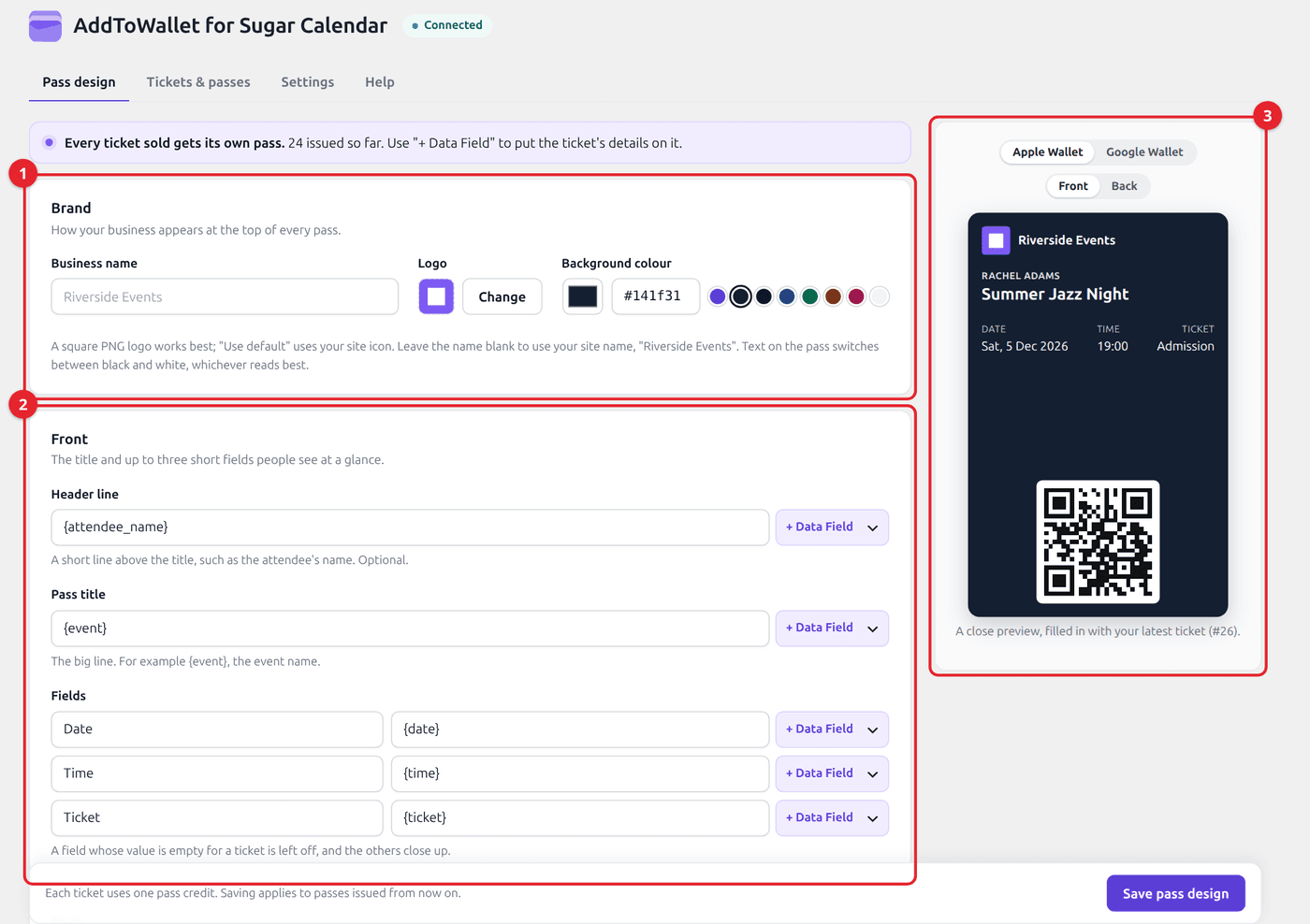
Each pass uses one credit when it is created, so an order for four tickets uses four. Updating a pass after a change uses none, and expiring it does not refund the credit. If your balance runs out, ticket sales carry on as normal but no pass is created; Tickets & passes shows why. Sugar Calendar needs a Payment Success Page set (Sugar Calendar › Settings › Payments), since that receipt is where the buttons go. RSVPs are not supported: passes are issued for tickets, free or paid. A receipt link works for 72 hours, as in Sugar Calendar itself, which then emails the buyer a fresh one.