
Google Sheet Extension
PDF to Pass
Image to Pass
QR Code Generator
Barcode Generator

Every appointment booked through Bookly becomes an Apple or Google Wallet pass, so it sits on your customer's phone instead of in an email they will not reopen.
In WordPress go to Plugins → Add Plugin → Upload Plugin, choose the file and activate it.
The wallet buttons are added to Bookly's own confirmation step, above its Start over row, so the booking flow is unchanged.
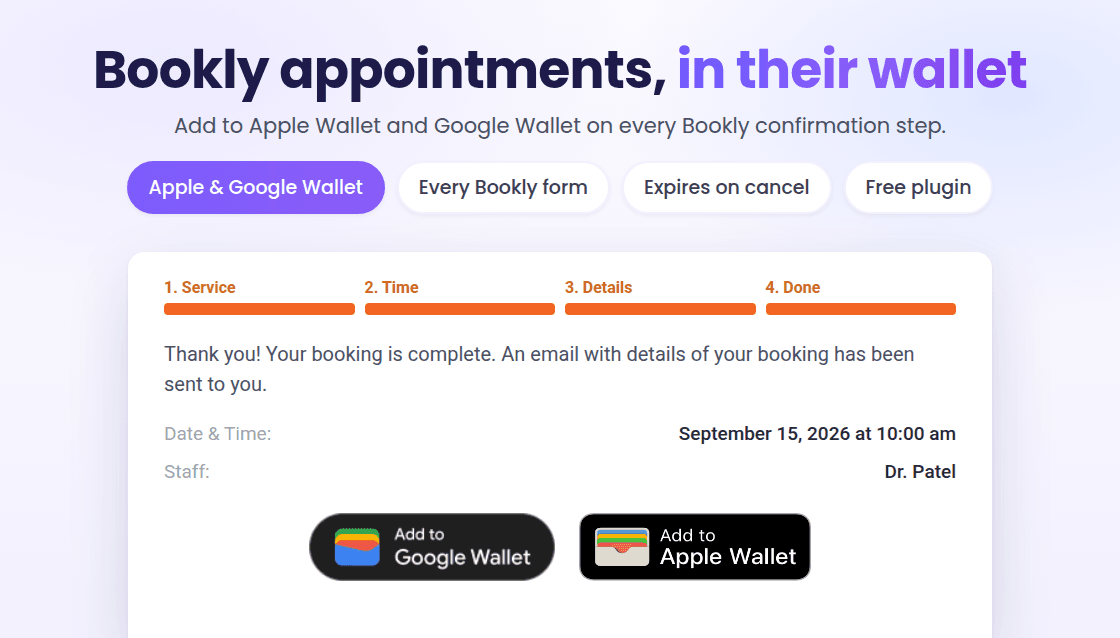
One settings screen in wp-admin, plus tabs for every booking and for the instructions.
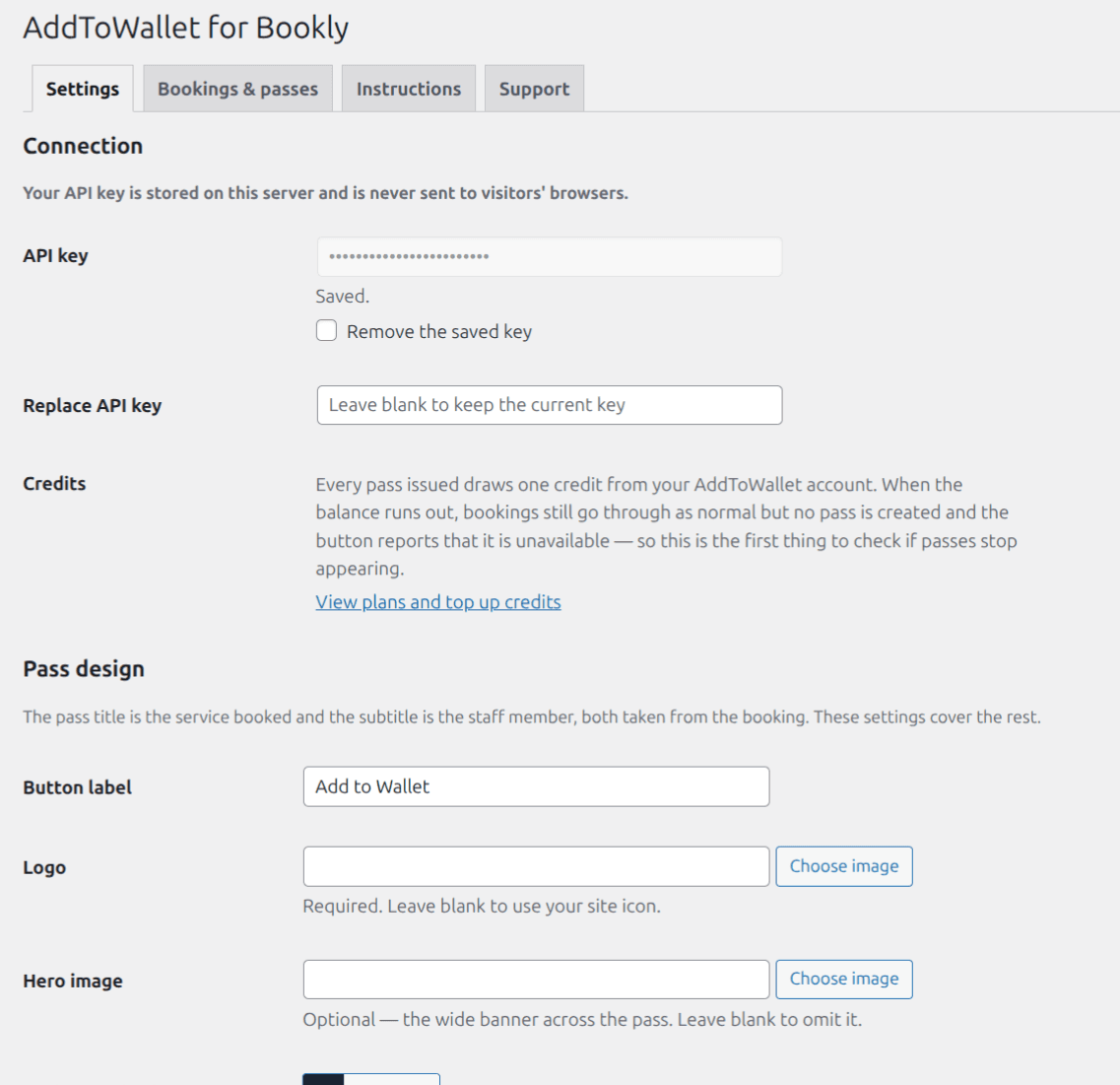
Each pass uses one credit. If your balance runs out, bookings carry on as normal but no pass is created, so check that first if passes stop appearing. Bookly fires no hook when a booking changes status, so cancellations are polled every ten minutes rather than acted on instantly. If a service has a final step URL, or you take payment through WooCommerce, Bookly sends the customer to another page instead of its confirmation step, so there is nowhere to show the buttons.